4.2 Picture Settings
4.2.1 Resolution
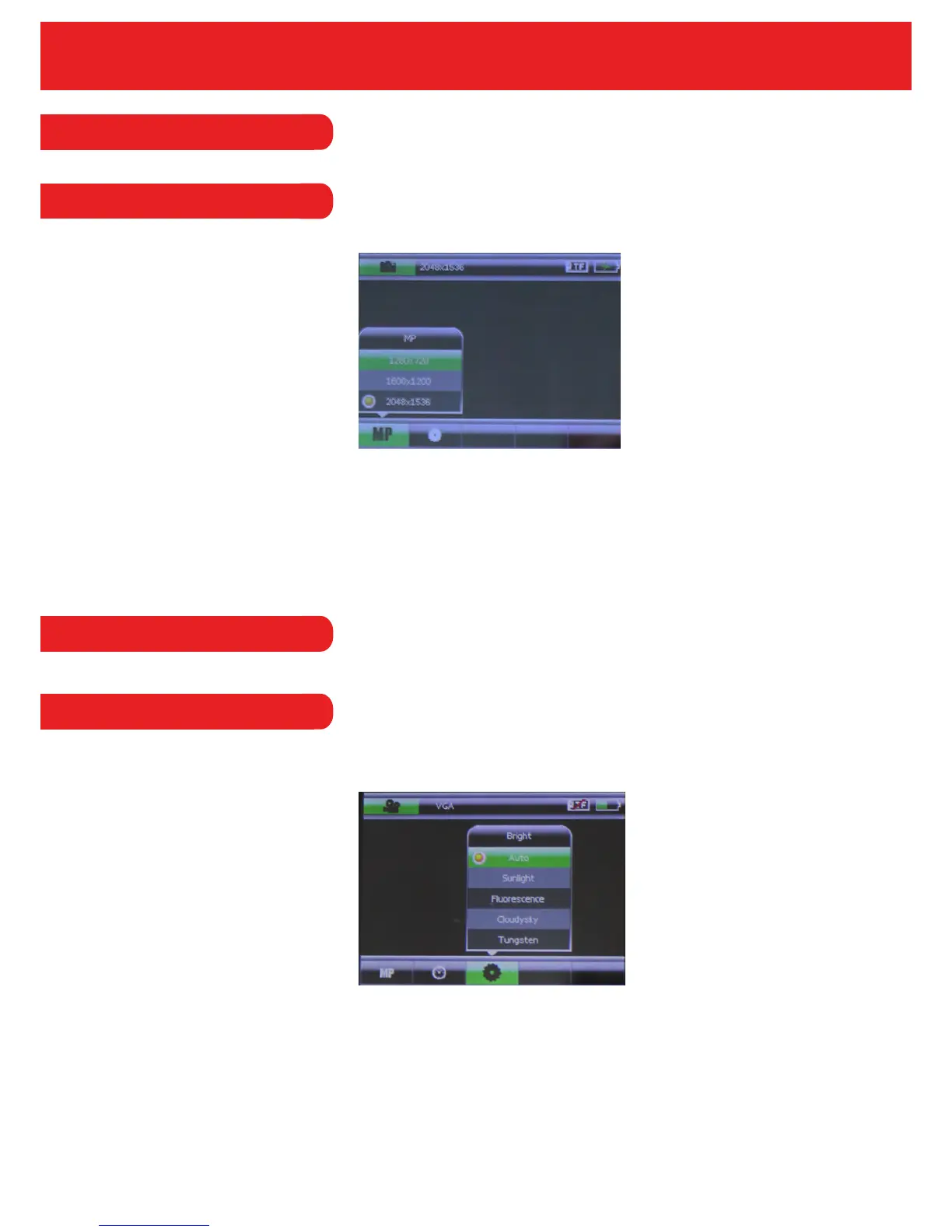
To enter into the picture resolution menu, press the mode key and enter into picture mode and
then press the menu button.
In this menu, the user can set the resolution of the images that are taken. The resolutions
available are: 1280x720, 1600x1200 or 2047x1536.
4.3 General Settings
This option allows you to adjust the brightness when taking a picture or using the video mode.
The user can choose from the following brightness levels: Auto, Sunlight, Fluorescent, Cloudy
Sky or Tungsten.
16
4.3.1 Brightness


 To Next Page