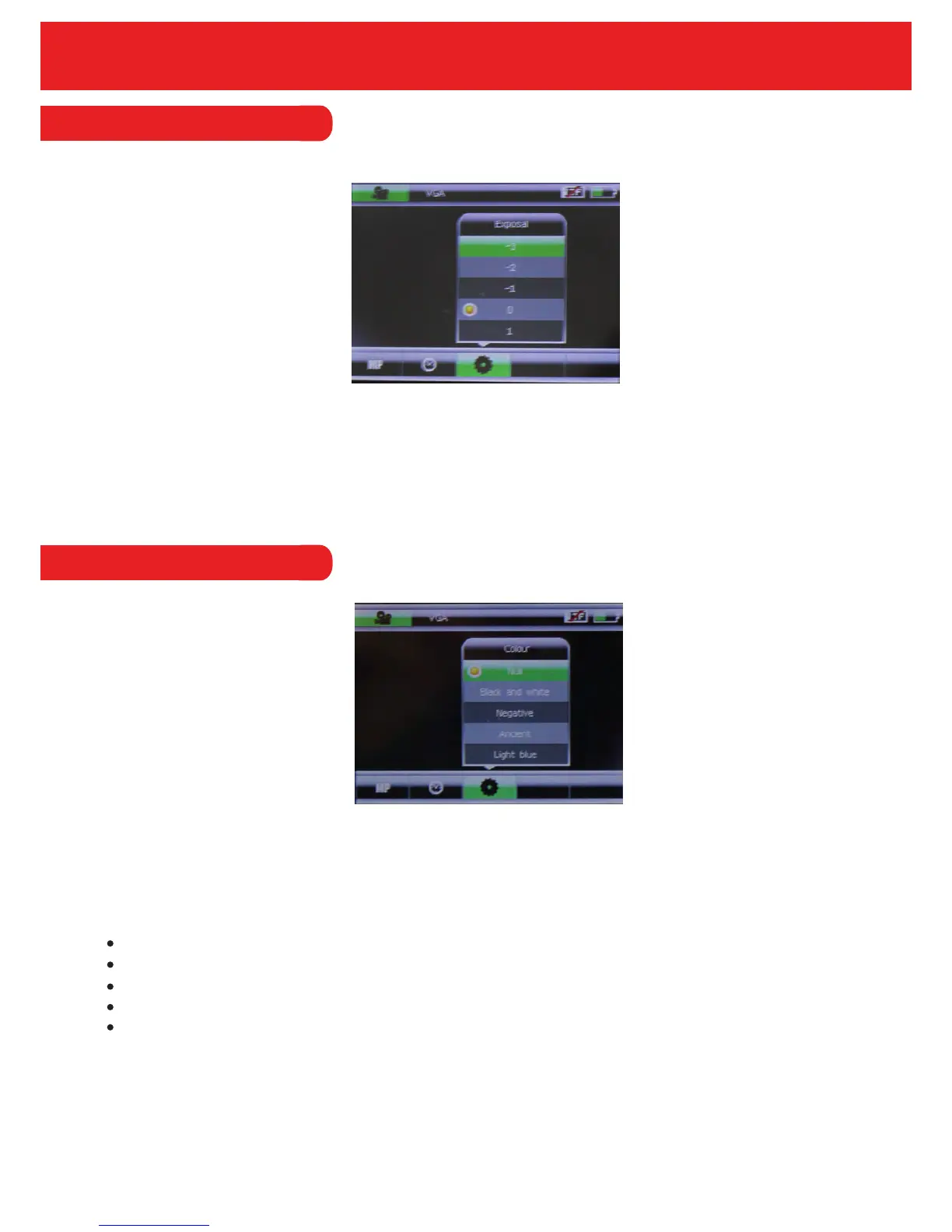
4.3.2 Exposure
The exposure levels of the camera will determine how much light will reach the camera. The
higher the levels, the more light will enter the camera and the picture will be brighter, lighter and
whiter.
The exposure levels available are -3, -2, -1, 0, 1, 2 and 3. The default exposure level will be 0.
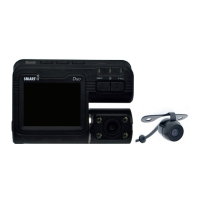
4.3.3 Colour
The colour option allows the user to set a colour effect on any image that is taken.
The effects available on the recorder are;
Normal
Black & White
Negative
Sepia
Light Blue
17


 To Next Page