22
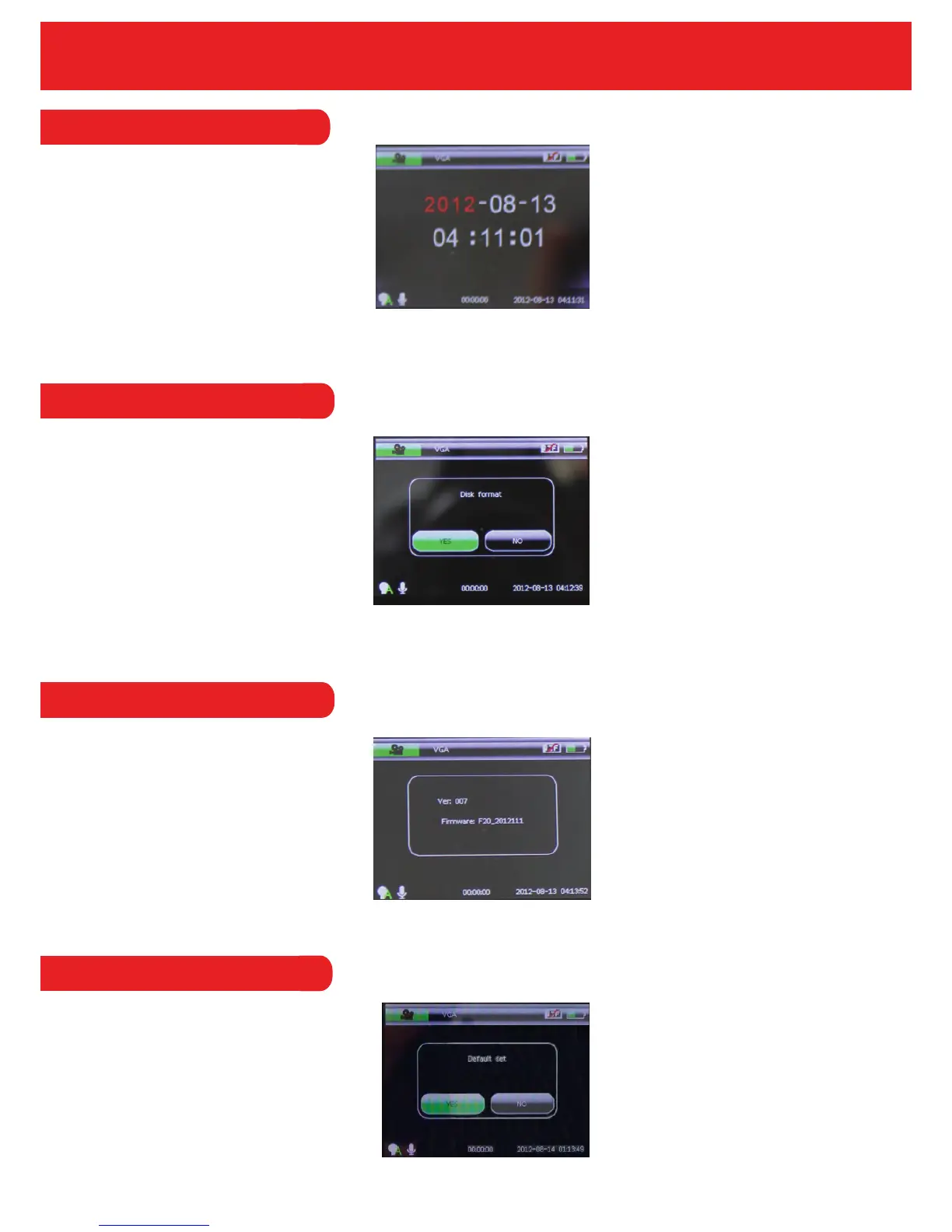
4.3.15 Date & Time
Set the Date and Time by using the ‘Rec’ or ‘Mic’ button to adjust the time/date and the ‘Menu’
button to toggle between each digit.
4.3.16 Format
This option allows the user to format the Micro SD Card. Please note that all information on the
memory will be removed if you select the ‘Format’ option.
4.3.17 System Information
In this option, the user can view the System Information and Firmware version.
4.3.18 Default Settings
The Default Set option allows you to reset back to the original factory settings.


 To Next Page