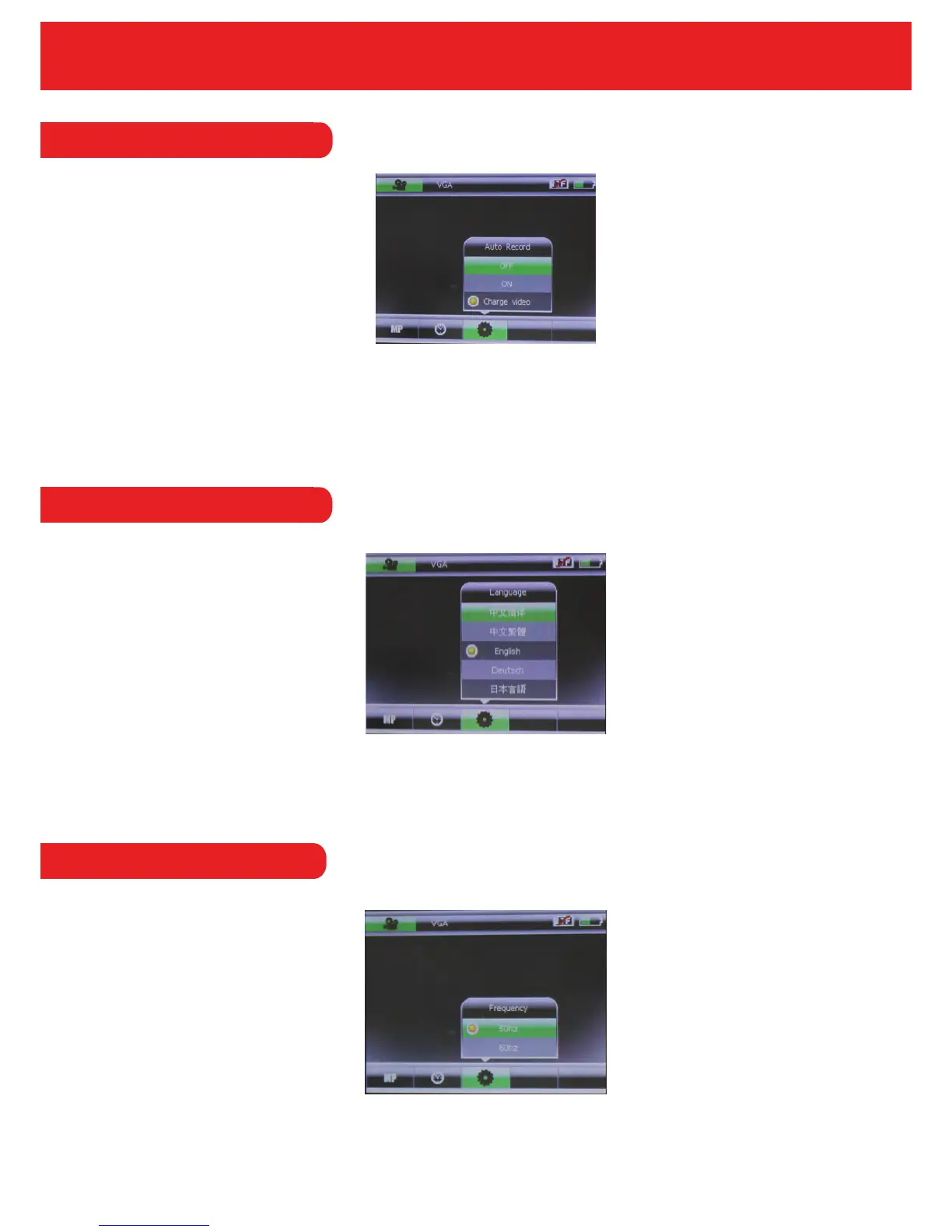
4.3.6 Auto Record
4.3.7 Language
Set the language on the unit. The available languages are; English, Chinese,
Portuguese, Russian, Japanese, French, German and Italian.
By turning on the auto record function, the unit will start recording immediately once the
recorder has been powered and has a Memory Card.
If the charge video option is selected, the recorder will start recording automatically when the
recorder is being charged.
19
4.3.8 Frequency
Set the video frequency on the recorder to either 50Hz or 60Hz.


 To Next Page