9
2. Installation
1. Turn the car off.
2. Insert the micro SD Card into the slot of the device.
[Caution] We suggest using a class 6 or above micro SD Card and memory no less than
512MB. The device supports a maximum 32GB micro SD card.
3. Stick the DVR mounting frame on front window.
Caution: Please clean the windscreen before sticking the mounting frame. To adjust the
mounting frame position, please use the attached cotton thread and place at the edge between
sticker and window. Then pull the recorder from left to right and right to left until the sticker has
been removed.
4. Plug in the car charger into the car cigarette lighter.
5. Connect the car charger to the Recorder USB input with charging Cable.
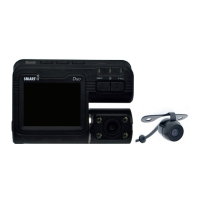
6. Place the external camera at the back of the car. The cable can be laid across the seats
to the recorder at the front. Connect the external camera by plugging the camera AV
cable into the AV-IN port on the Smart-i Duo.
7. Adjust camera position; ensure the line of sight is perpendicular to the ground.
8. When starting engine, check the recorder has been installed correctly.
Please Note: If the recorder has been installed correctly, the device will be entering the video
recording mode automatically when engine starts. Please check the screen display, if it is
upside down, invert the display using the REC/MIC button.


 To Next Page