SMARTEYE Netx Ethernet IP Control Unit User Manual Page 20
Filename: netx IP Platform User Manual R0 .doc
…
In Control
A
M
The Smarteye Netx Control Unit has now been successfully configured. Repeat this step for
each Netx control unit present on the network.
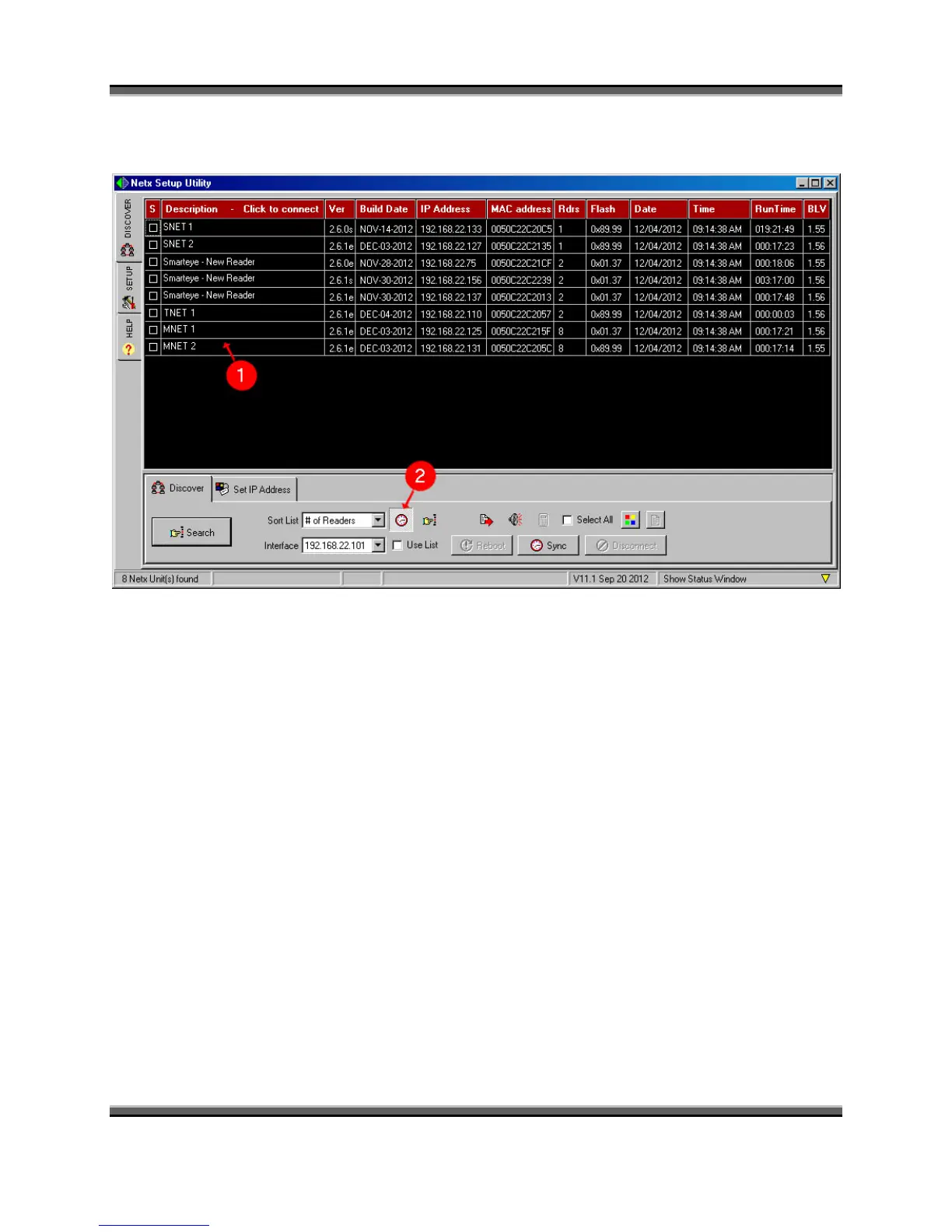
1. From the discover tab, after a unit has been configured, it will show up in the grid each
time the search button is clicked.
2. The clock button enables the time sync function of the search and discover process.
When the clock button is in the detent state and the search button is clicked, the current
date and time of the PC is sent to each Netx Control Unit found on the network. When a
Netx unit detects this date/time data packet in the discovery message, it synchronizes its
internal clock to match. This feature is useful in systems that do not have an automatic
timeserver on the network.



 To Next Page