SMARTEYE Netx Ethernet IP Control Unit User Manual Page 22
Filename: netx IP Platform User Manual R0 .doc
…
In Control
A
M
Figure 2
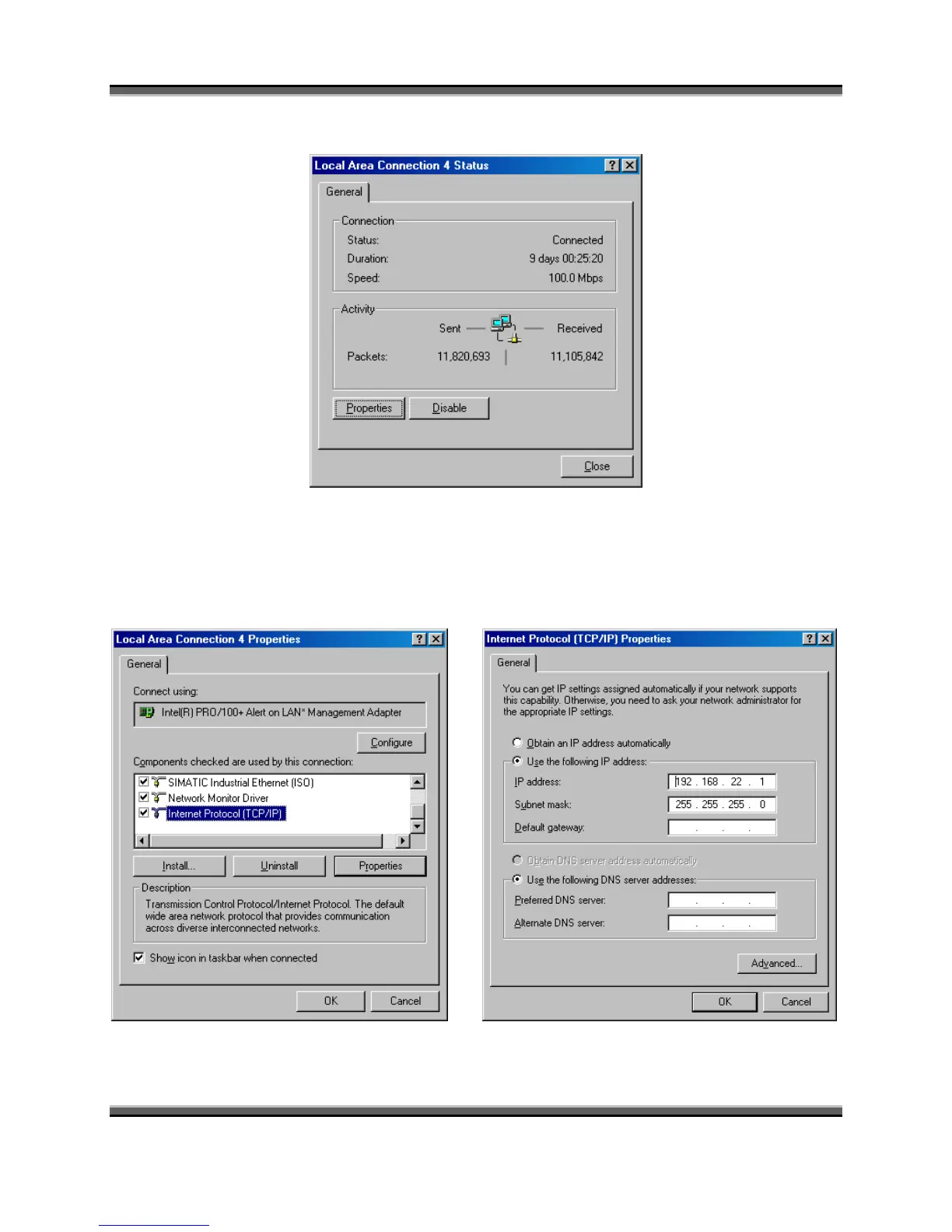
Figure 3
Now, click the “Properties” button to bring up the LAN properties window as shown in figure 4.
Next, select the “Internet Protocol (TCP/IP)” item and click the “Properties” button. This will
bring up the Internet Protocol dialog box shown in figure 5.
Figure 4 Figure 5



 To Next Page