SMARTEYE Netx Ethernet IP Control Unit User Manual Page 23
Filename: netx IP Platform User Manual R0 .doc
…
In Control
A
M
Select “Use the following IP address” item and enter an IP address and Subnet mask as
illustrated in figure 5.
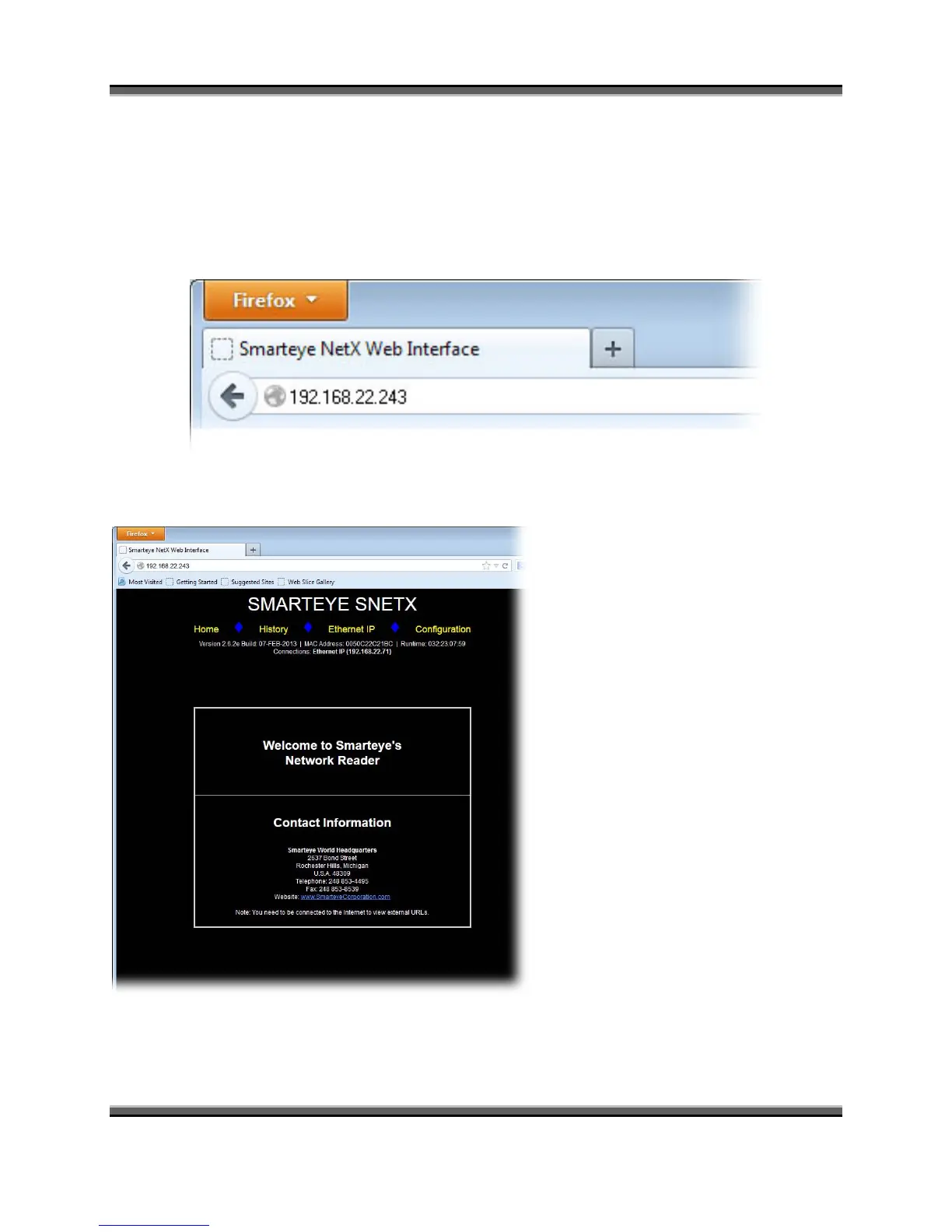
Now we are ready to set the IP address and configure the Smarteye Netx Control Unit. Open up a
web browser and enter the network address “192.168.22.243” as shown in figure 6.
Figure 6
This will cause the Smarteye Netx
Control Unit’s home page to be
displayed as shown in figure 7.
Click on the “CONFIGURATION”
link to bring up the control unit’s
setup page as shown in figure 8..
Figure 7



 To Next Page