1-2
Introduction
Functional Description
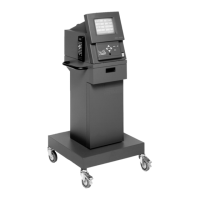
Front Panel
The front of the analyzer includes controls for operating the unit,
the monitor screen for viewing tests and the printer, which provides
a written record of test results. Descriptions of the items labeled on
the analyzer front view follow
Figure 1-1
.
A—9" Video Display Screen
Displays all screen information and symbols available for use with
each screen.
B—Enter Key and Arrow Keys
Use the:
— Middle ENTER key to select a chosen item or symbol.
— Arrow keys (
) around the ENTER key to:
•
Select a menu item or a symbol,
•
Move up and down to change a selected value, or
•
Move forward and backward within screens.
C—Infrared Sensor
Receives the signals from the optional remote control.
Figure 1-1:
Analyzer—Front Panel View


 To Next Page
 Loading...