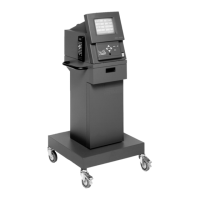
1-14
Introduction
I
—
Up Arrow
Press to move cursor toward top of screen.
J
—
CONT
Not used for
DGA 1000 Gas Analyzer
emissions testing.
K
—
Right Arrow
Press to move cursor toward right side of screen.
L
—
Yes
Not used for
DGA 1000 Gas Analyzer
emissions testing.
M
—
Down Arrow
Press to move cursor toward bottom of screen.
N
—
NO
Not used for
DGA 1000 Gas Analyzer
emissions testing.
O
—
Enter
Press the ENTER key to complete data entry.
P
—
Left Arrow
Press to move cursor toward left side of screen.
Q
—
Function/ Numeric Keys
Press these keys to select various numbered menu items.
R
—
Clear
Not used for
DGA 1000 Gas Analyzer
emissions testing.
S
—
Opt 1
This key is reserved for future use.
T
—
Opt 2
This key is reserved for future use.
U
—
Print
Press to print display screen or I/M test results.
V
—
Shift
Not used


 To Next Page
 Loading...