© 2009 snom technology AG
man_snom870_v101_en
14
snom 870 User Manual
Getting to Know Your Phone
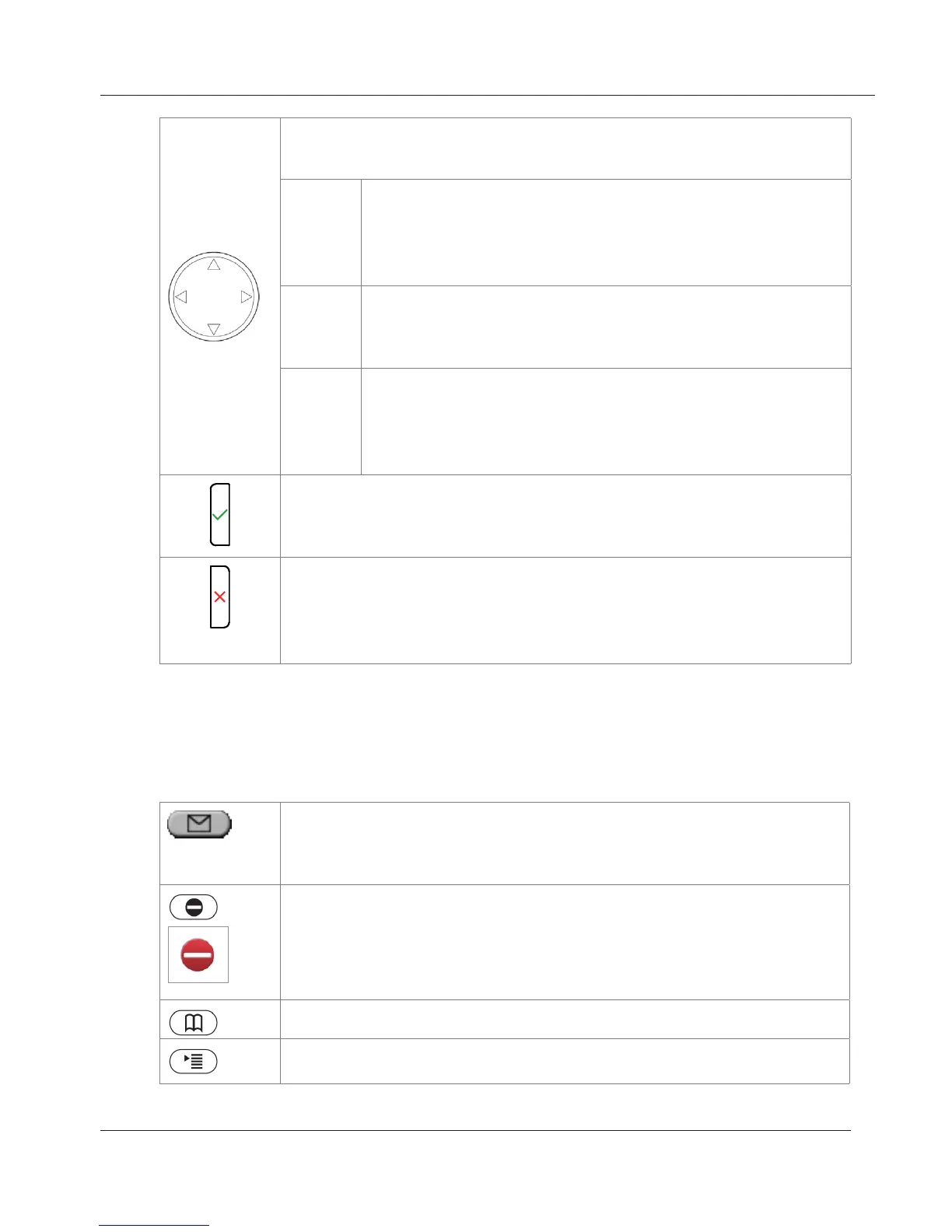
Navigation key, indicated in this manual by geometric arrow
symbols. See "Notational conventions" on page 6.
rs
• On idle screen: Programmable
• Move lists up and down one item/button at a time
• In Settings menu > 1 Preferences > 4 Ringer >
tap identity button > press to play ringtones
v
• In text fields, press to move the cursor to the left
one character at a time.
• On idle screen, press to open list of received calls.
w
• In text fields, press to move the cursor to the right
one character at a time.
• On idle screen, press to open the list of missed
calls
• Accept calls on speakerphone and in headset mode.
• Confirm actions/settings and return to preceding screen.
• Idle screen: Redial.
• Terminate calls on speakerphone and in headset and
handset modes.
• Cancel actions and return to preceding screen.
• Idle screen: Turn off LED indicating missed call(s).
Preprogrammed, variably programmable function keys
Freely programmable. See "Configuring the Function Keys" on page 59 for
further information. Factory settings:
Message key with LED
• Lit when new message is waiting on mailbox
• Press to retrieve
Turn "do not disturb" (DND) mode on and off. In DND mode
incoming calls do not ring; callers hear the busy signal.
Exception: Phone numbers on your directory's VIP list (see
"Contact Types" on page 35). Press key to turn DND on and off.
When it is on, you'll see the red DND symbol on the display.
Phone directory. See "Directories" on page 35
Opens the phone menu. See "The Phone Menu" on page 25
www.InternetVoipPhone.co.uk | sales@internetvoipphone.co.uk | 0800 088 48 46



 To Next Page