© 2009 snom technology AG
man_snom870_v101_en
28
snom 870 User Manual
Getting to Know Your Phone
How the Web Interface Works
The vertical menu on the left side of the window is always the same, no matter
which window happens to be open at the time. Available menu items depend
on whether the phone is running in user or administrator mode.
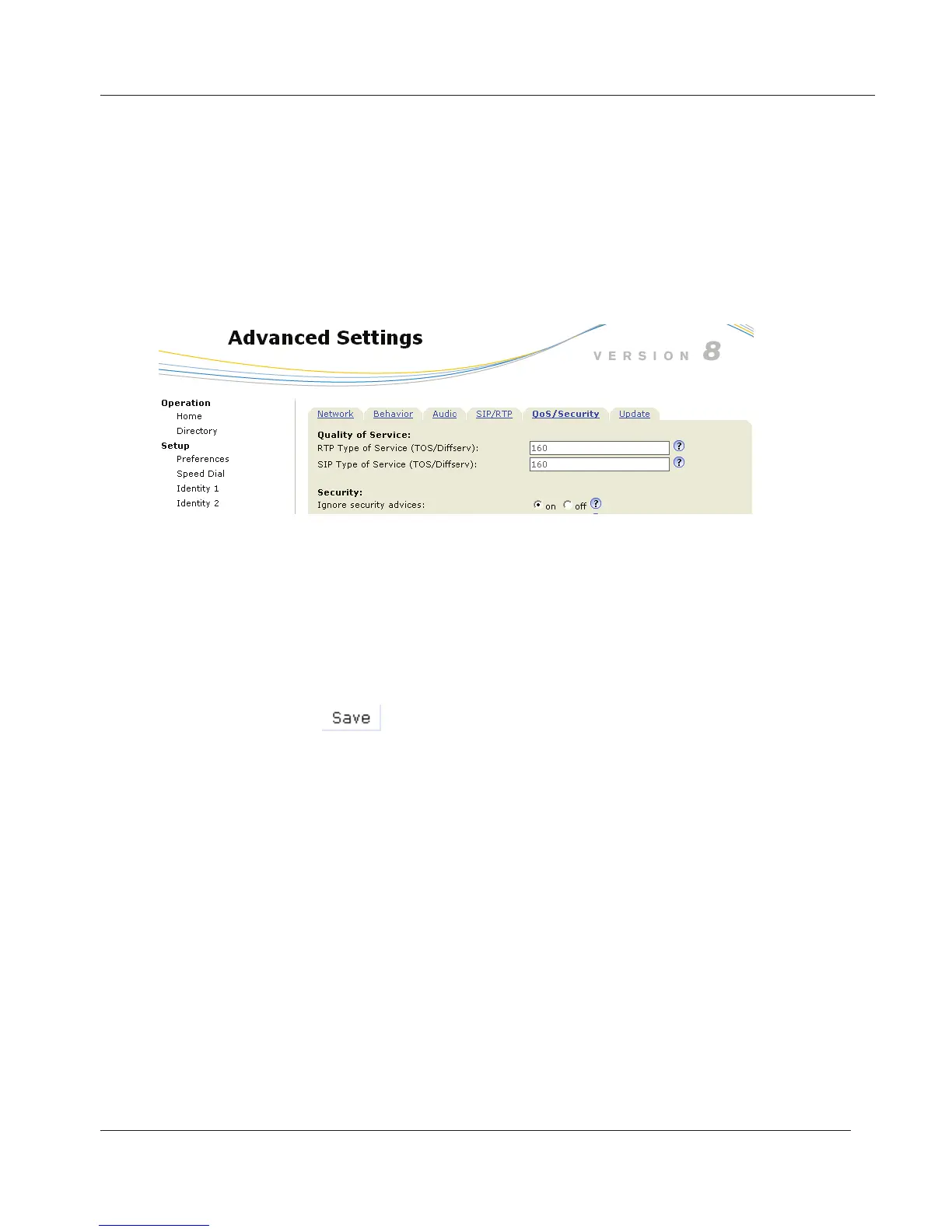
Click on a menu item to open that page. Some pages contain several
documents. To make a document visible, click on its tab. The font weight of
the characters on the active tab is bold. Only one tab can be active at a time.
In some cases settings activated on the web interface override manual settings
on the phone. If a setting you have made on the phone does not appear to
take effect, look for a conflicting setting on the web interface.
Always click on
before clicking on a different menu item or
closing the web interface if you wish to save the changes you have
made.
www.InternetVoipPhone.co.uk | sales@internetvoipphone.co.uk | 0800 088 48 46



 To Next Page