Phone directory, remote directories (LDAP and contacts list), favorites: See
"Directories" on page 35.
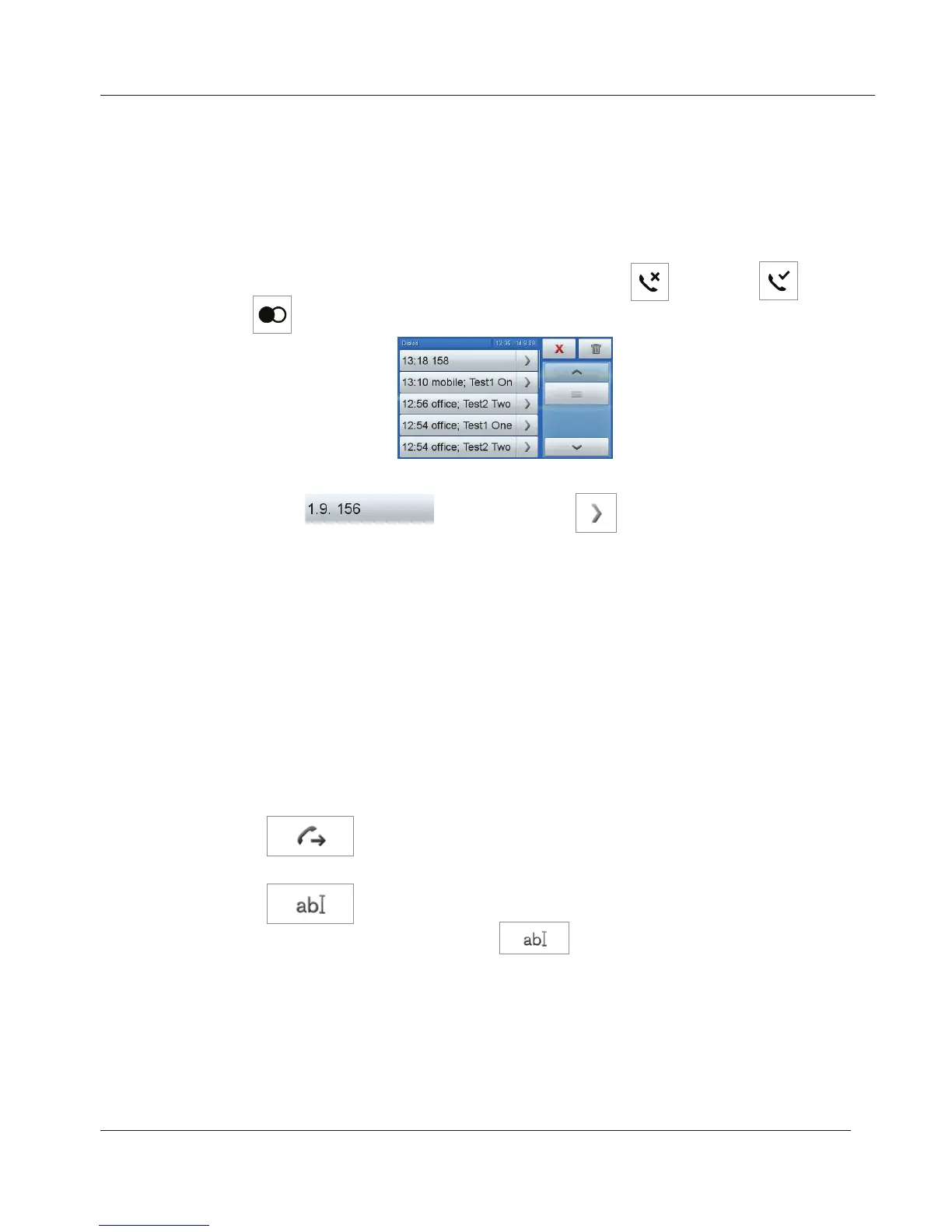
1. Tap the respective icon to open the list of missed , received , or
dialed
calls.
2. To dial a number: Tap the button with the date or time/name or number of
caller/callee
. Tap the arrow to show the call details.
a. Details of missed calls:
To
From
Time: Shows the time if same day, shows date and time if not.
Missed: Total number of missed calls from this number.
b. Details of received and dialed calls:
To
From
Time: Shows the time if same day, shows date and time, if not.
Duration: In minutes:seconds. Example: 1:14 = 1 min 14 seconds
c. Tap
to dial the number of the missed, received or dialed call
shown in detail.
d. Tap
to add the number to the phone directory; entry details
are shown on the screen. Tap
again to open edit mode. Tap
the button with the detail you wish to edit. See also "Editing existing
entry" on page 38.
To select an identity as the new outgoing identity, tap the identity tab. The
display returns to the springboard.
www.InternetVoipPhone.co.uk | sales@internetvoipphone.co.uk | 0800 088 48 46



 To Next Page