Click on to display current information in the text fields of "Add or Edit
Entry". Two additional buttons, "Add Sub" and "Change", are now available.
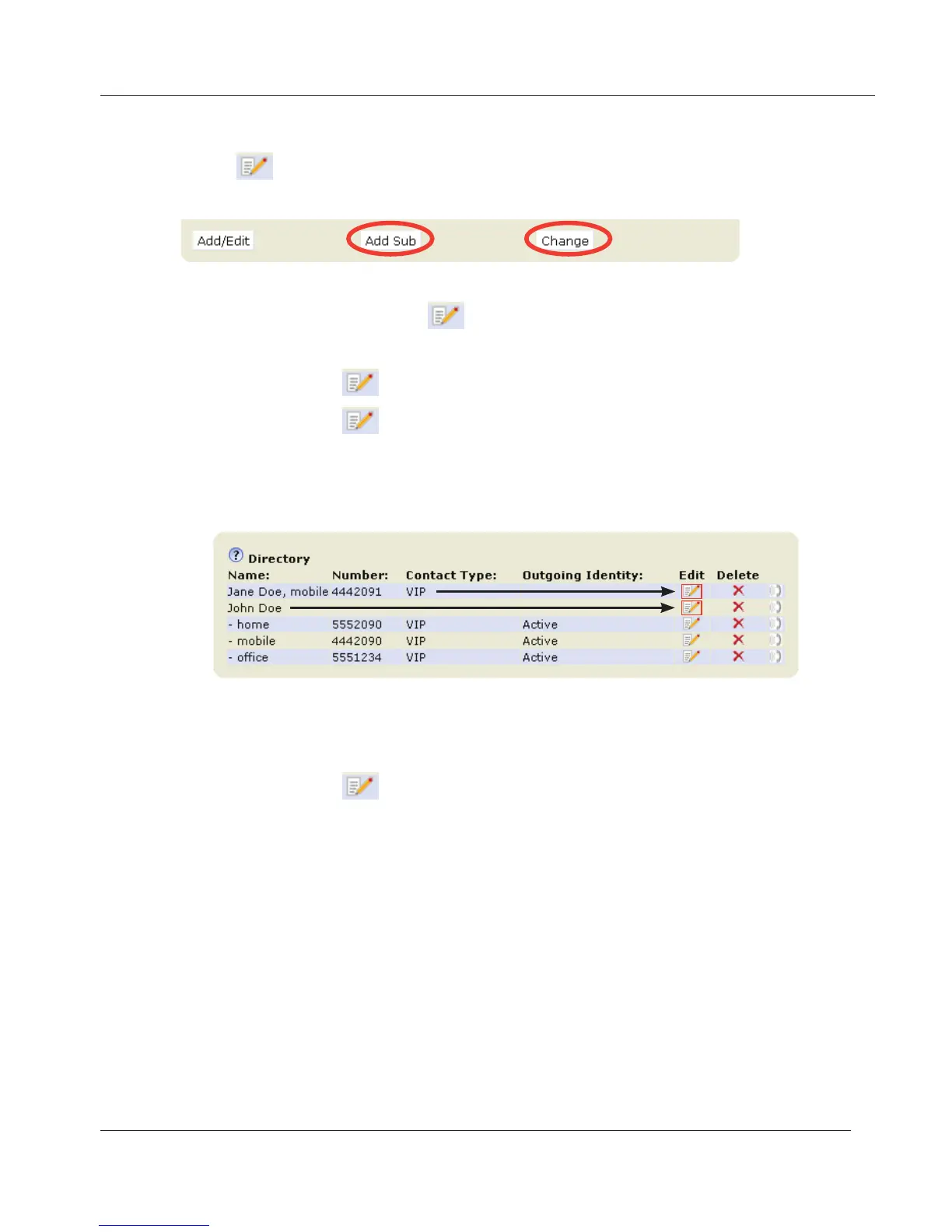
1. Editing text fields.
a. If single entry, click on
in the entry's line.
b. If there is more than one number associated with a name:
• Click on
in name's line if you wish to edit the master record.
• Click on
in a phone number's line if you wish to edit subentry
data.
c. Make changes as necessary and click on "Change".
2. Adding additional phone number (subentry) for a name.
a. Jane Doe's entry has only one phone number, her mobile phone
number. In this example Jane Doe's home phone number will be
added to the directory.
• Click on
in Jane Doe's line. The data is shown in "Add or
Edit" area.
www.InternetVoipPhone.co.uk | sales@internetvoipphone.co.uk | 0800 088 48 46



 To Next Page