© 2009 snom technology AG
man_snom870_v101_en
55
snom 870 User Manual
Using the Phone
Changing the setting (visual only, ringer only, turn call waiting off): See "Call
waiting" on page 72.
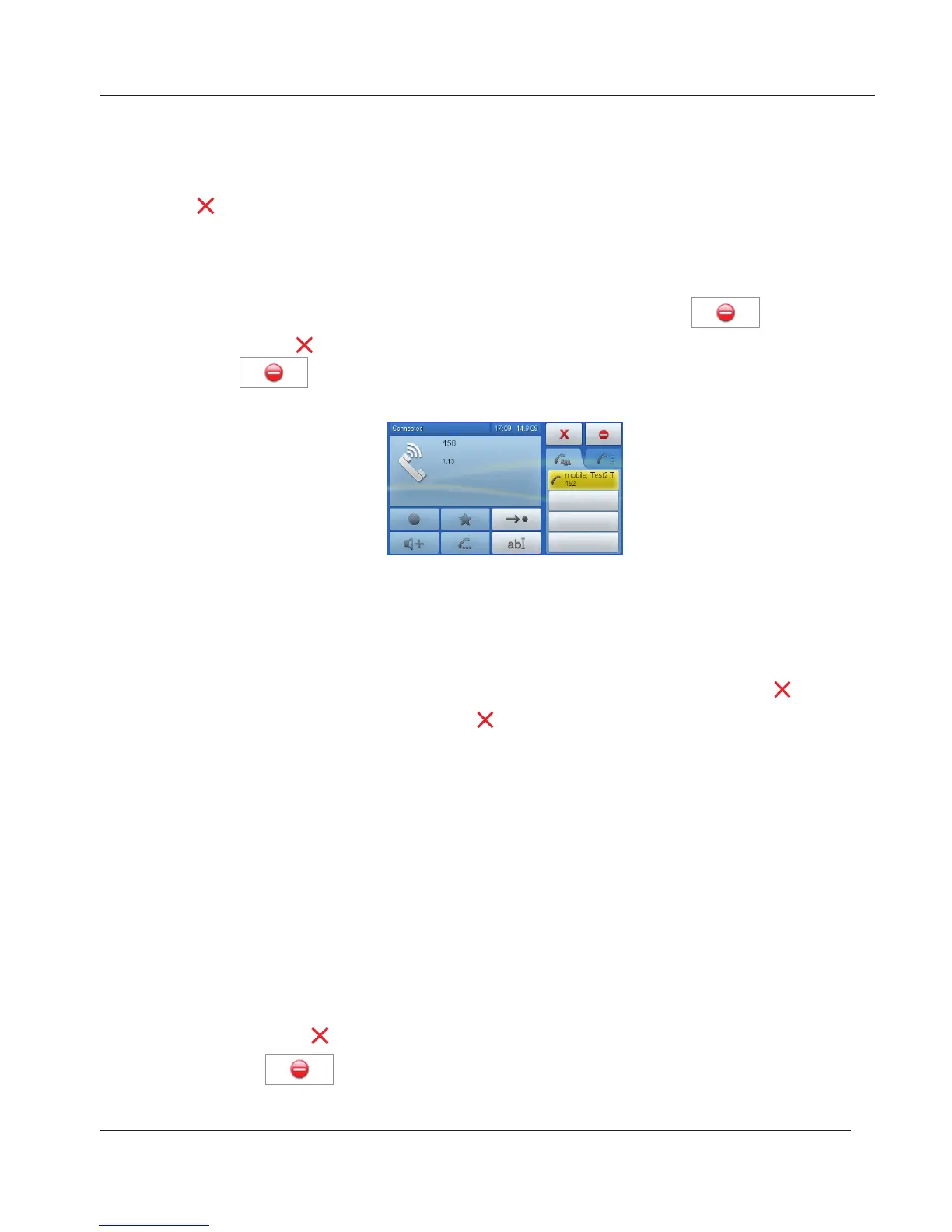
• Reject the call: Tap the red button. Button turns yellow. Drag it onto the
button. The caller hears the "busy“ signal.
• Reject the call and place caller on DENY list (see "Contact Types" on
page 35): This is not a standard setting; change at Advanced > Behavior >
Deny all feature > "On".
When the feature is available, the escape area will show
in
addition to when you tap the call button (button turns yellow). Drag it
onto
without lifting your finger off the display. The caller hears the
busy signal and is placed on the Deny list.
• Accept the call: Tap the red call button to accept the second call. The
first call is put on hold.
1. When using the handset alone: Hang up handset or tap or press .
2. In all other cases: Tap or press
.
This includes manual and automatic rejection and redirection as well as the
rejection of anonymous calls.
Manually
If you do not wish to pick up a ringing call, you can obviously let it ring, reject it,
or blindly transfer it:
• Tap or press . The caller hears the "busy“ signal.
• Tap the
button to reject the call and place the caller on the DENY
list (see "Contact Types" on page 35). The caller hears the busy signal.
www.InternetVoipPhone.co.uk | sales@internetvoipphone.co.uk | 0800 088 48 46



 To Next Page