© 2009 snom technology AG
man_snom870_v101_en
70
snom 870 User Manual
Customizing Phone Settings
Time
The time setting affects phones and/or firmware versions with a digital clock
only. If the phone has a clock face, changing the setting will not affect it.
Web interface > Preferences > General Information > 24 Hour Clock
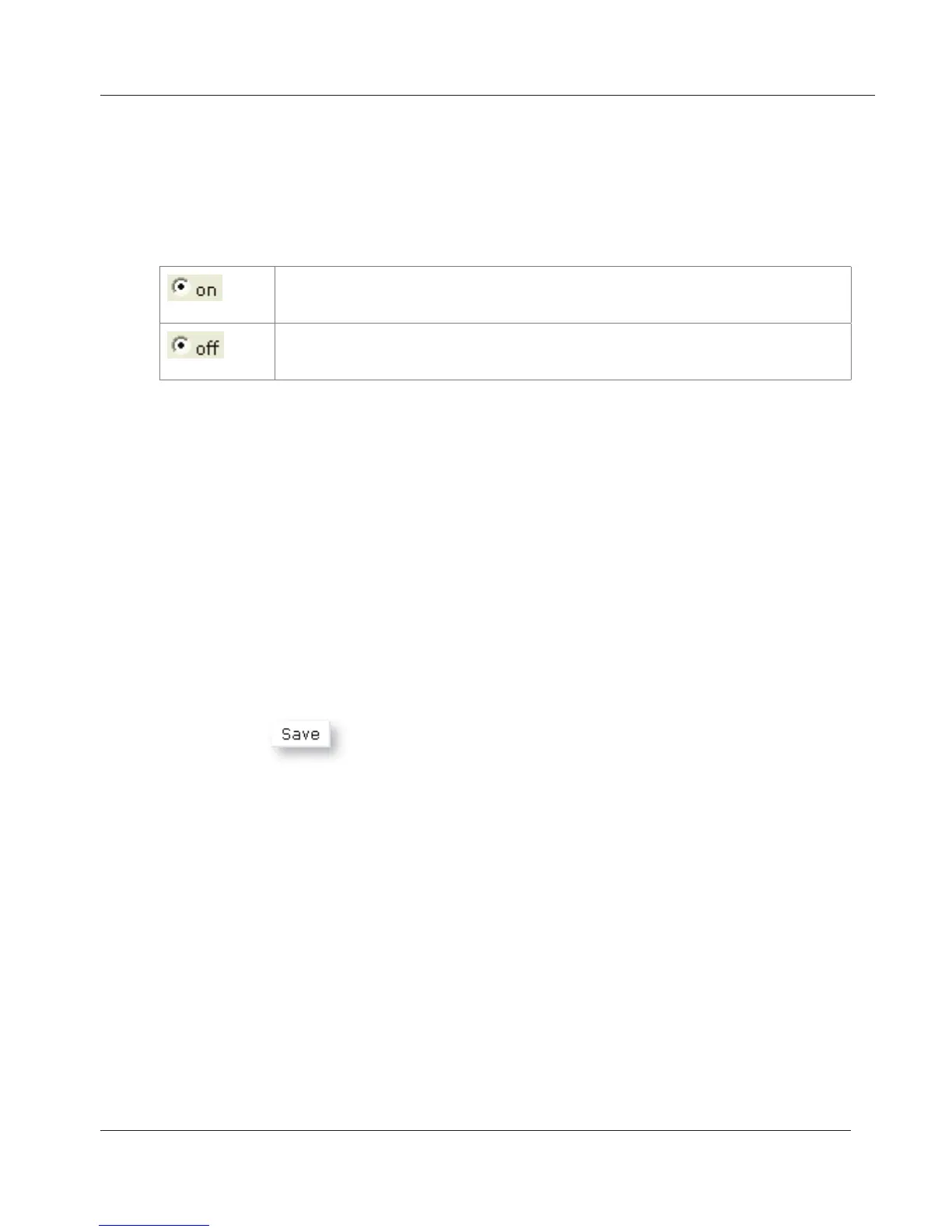
The time on the phone’s display will be shown in 24-hour
format, 00:01 to 24:00
The time on the phone’s display will be shown in AM/PM
format, 0:01 AM to 12:00 PM.
These are numbers that can be dialed even when the keyboard is locked. They
must be set beforehand on the web interface.
• Click on Preferences > Lock Keyboard > Emergency Numbers (space
separated).
• Enter the emergency numbers in the text field. Type each number without
spaces between the digits, separate the individual numbers with one
empty space between them.
Example: If you want to set the emergency phone number 911 and the
phone numbers of your doctor (986543) and a friend (234578), the entry
would look this: 911 986543 234578.
• Click on
.
This feature automatically redirects all or certain incoming calls to another
phone or a mailbox. It is possible to configure the settings on the phone and
on the web interface.
Always. All incoming calls are forwarded to the number of the phone,
extension, or mailbox specified as this function’s target.
Busy. Calls ringing while phone is busy are forwarded to the number of the
phone, extension, or mailbox specified as this function’s target.
Timeout. When a call starts ringing, the phone will wait for the number of
seconds specified. If the call is not accepted by the end of this time period,
it is forwarded to the number of the phone, extension, or mailbox specified as
www.InternetVoipPhone.co.uk | sales@internetvoipphone.co.uk | 0800 088 48 46



 To Next Page