16
D345 User Manual Setting up the Phone
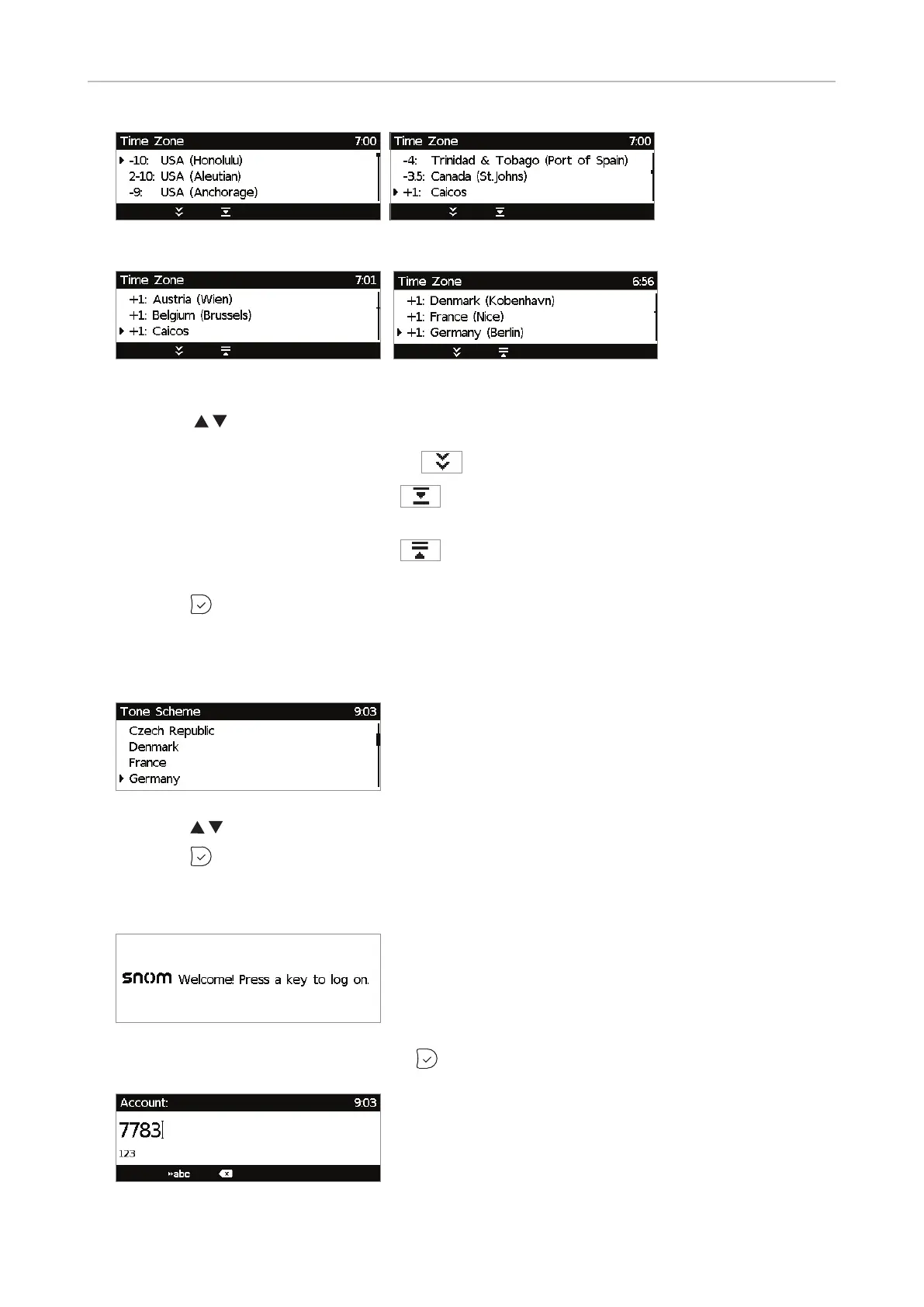
Fig. 1 Fig. 2
Fig. 3 Fig. 4
◦ Press to move up or down the list one item at a time. When all time zones are shown
(Fig. 3 and 4), you also have the option to jump to the beginning of the next time zone by
pressing the function key underneath
.
◦ Press the function key underneath
to show only those time zones where the selected
phone language is spoken. If you have selected English, all time zones are shown.
◦ Press the function key underneath
to show all time zones and all countries or cities
within the individual time zones, if there are any (Fig. 3).
◦ Press
to save the selected time zone (Fig. 4).
3. Next, you will be prompted to select the tone scheme of a country. This aects the dial tone you
hear when you pick up the receiver. Dierent countries use dierent dial tones.
◦ Press to move up or down the list one item at a time.
◦ Press
to save the selected country's tone scheme.
4. The display shows the "Welcome" screen. Press any key to log on.
5. Enter the account number and save with .



 To Next Page