25
D345 User Manual Getting to Know Your Phone
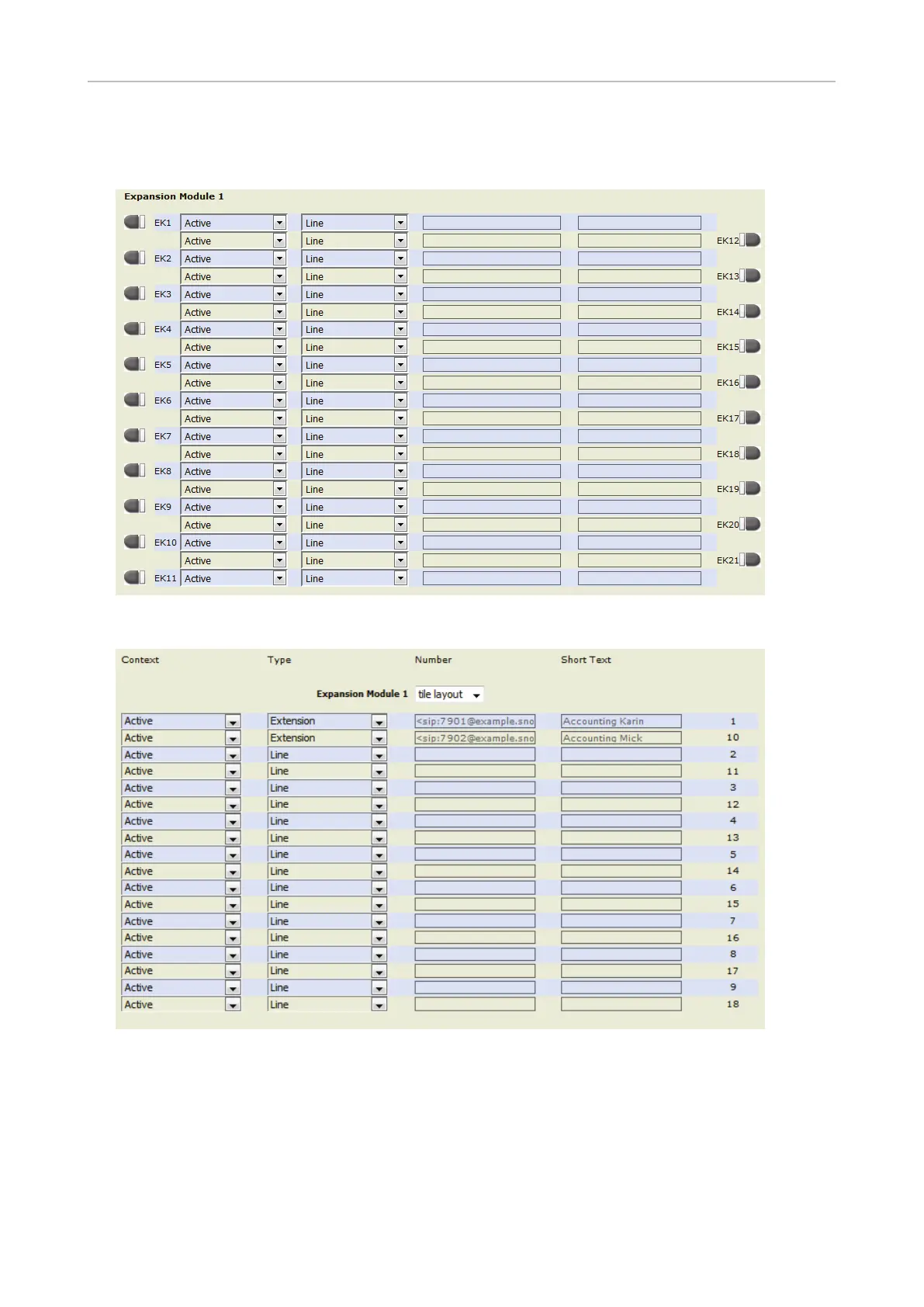
When expansion modules are connected to the phone, they will also be shown on the function key
page of the phone's web interface, below the phone's function keys and above the Apply button.
Fig. 4 - function keys of one connected Snom V2 expansion module (EK22 - EK42 not shown)
Fig. 5 - function keys of one connected D3 expansion module



 To Next Page