January 26
th
, 2022 24
Start Monitoring The Data
IP Address Setup Instructions (PC or Smart Phone)
Please Note that this method only achieves internet connectivity. For registration and
account management please use the app and/or
www.mysol-ark.com
Connect to the Dongle Network
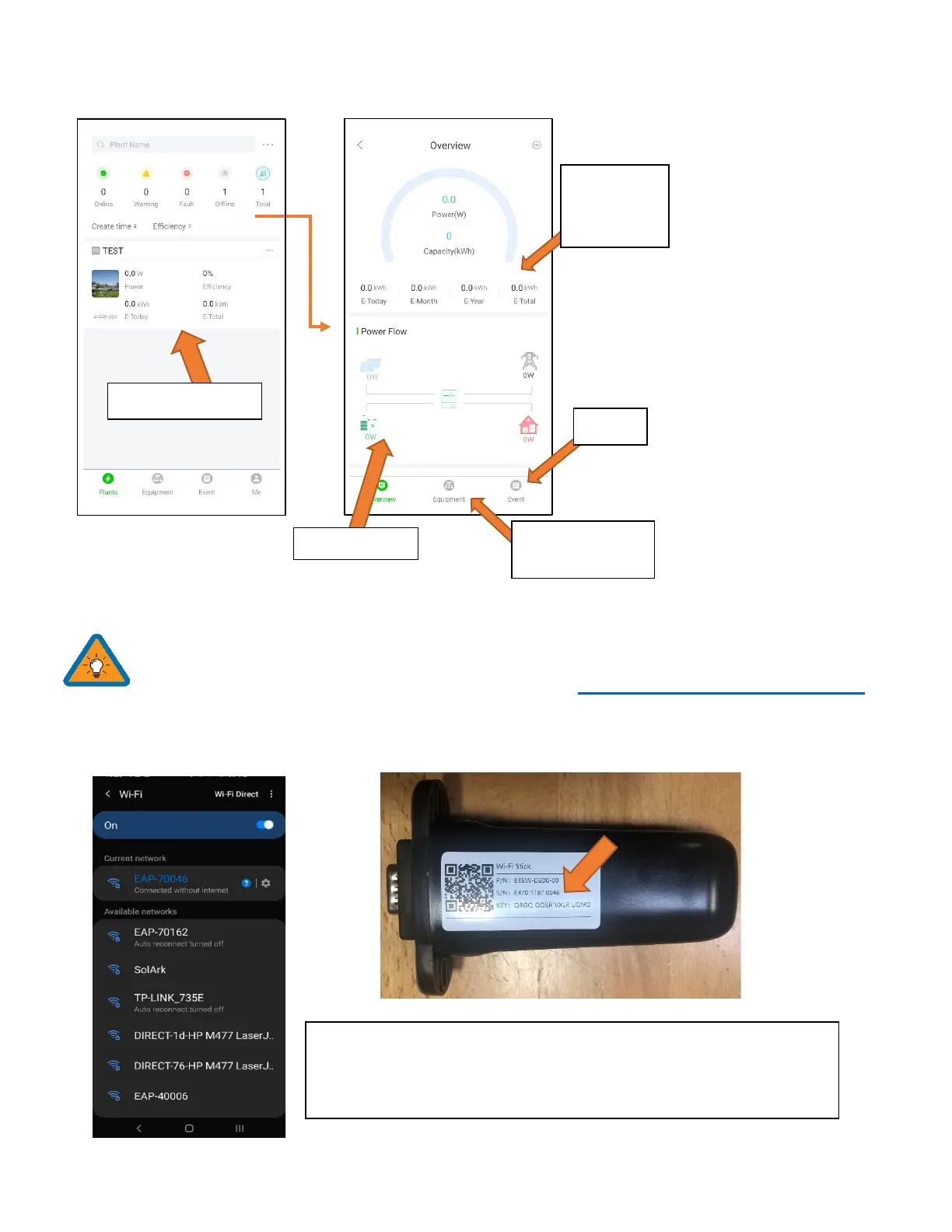
A. Settings → Wi-Fi → Select the Network with EAP- ##### (The last 5 digits of your SN number)
*Disclaimer*: The Wi-Fi dongle does not have internet; You still need to
be connected to the dongle for this process.
System info and
programming
is the real
time view



 To Next Page