August 3, 2019 15
iv. When Off Grid, discharge current is not limited. The inverter will always remain powered on.
d. Battery Type
i. Navigate to the charge menu and set the values appropriate to your battery chemistry. The
owner’s manual is good reference for lead acid batteries.
ii. Main Menu → System Settings → Battery Setup → Charge
e. Battery Discharge
i. Allows the user to define the depth of discharge the system will allow before using the
grid/generator to the charge the battery bank. Solar is always the first priority in charging the
battery bank.
ii. Main Menu → System Settings → Battery Setup → Discharge
15. Grid Setup
a. Grid Sell: maximum watts sold to grid
b. Limited To Home: Limits power produced by the system to match the demand of the home
c. Limited To Load: Limits power produced by the system to match the demand of connected loads
16. Remote Monitoring Setup (WIFI Setup Video: https://youtu.be/0H0OZfZz_kQ )
a. WIFI (Via Cell Phone or computer)
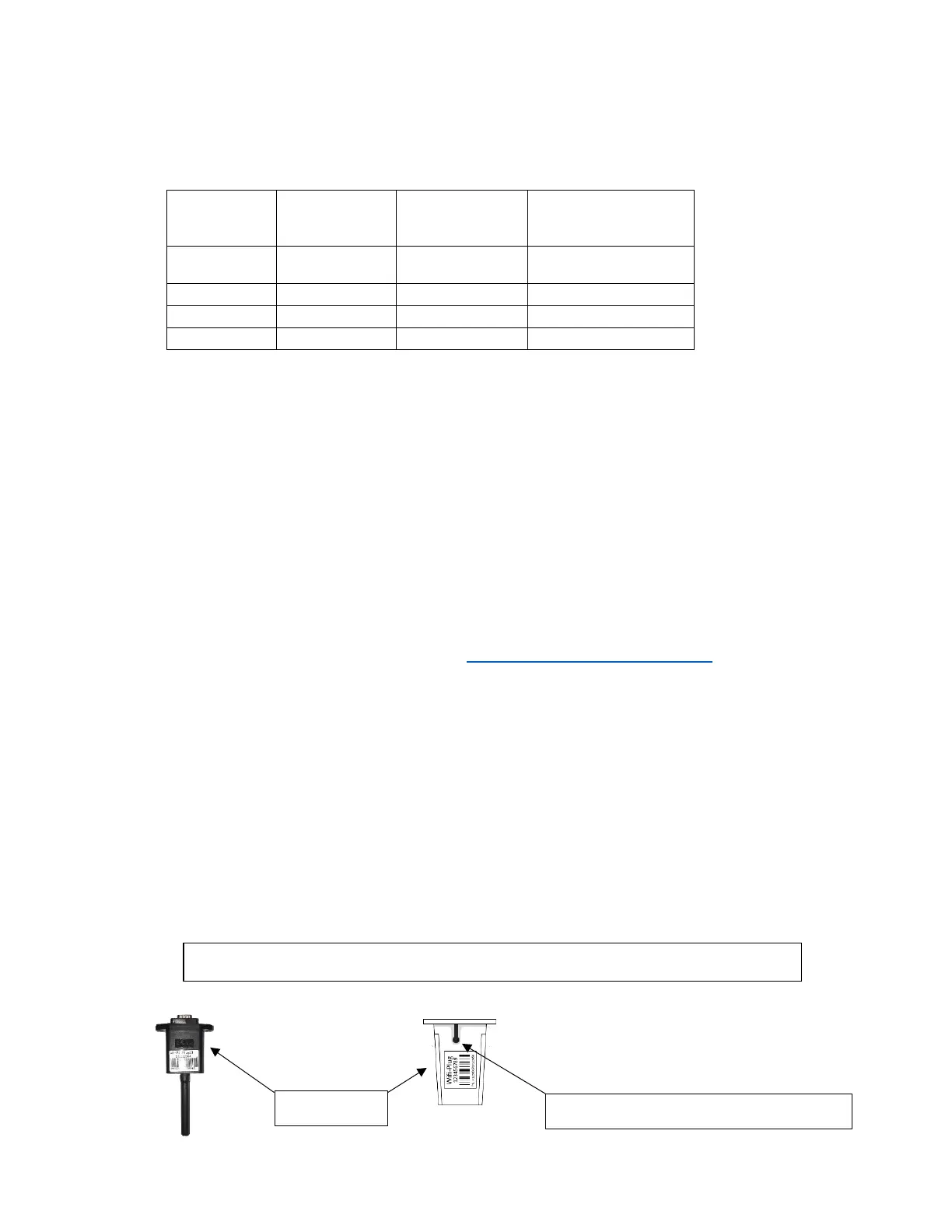
i. Plug WIFI dongle into Sol-Ark
ii. If using a cell phone, turn off cellular
iii. Using your device look for WIFI networks and select the one that matches the PN number on
your dongle
▪ Password: 12345678 (Once Dongle is set up in this can be changed)
iv. Once connected, use a web browser to navigate to 192.168.8.66 (type it into the address bar)
and log in
▪ Username: admin (Once Dongle is set up in this can be changed)
▪ Password: admin (Once Dongle is set up in this can be changed)
v. Once Connected to the Dongle



 To Next Page