August 3, 2019 19
Manual Wi-Fi Setup without Phone App (Skip if you used the phone app setup)
b. Phone App
i. iOS Download Link: https://itunes.apple.com/US/app/id1334656760?mt=8
ii. Android Download Link:
https://play.google.com/store/apps/details?id=com.eybond.smartclient&hl=en_US
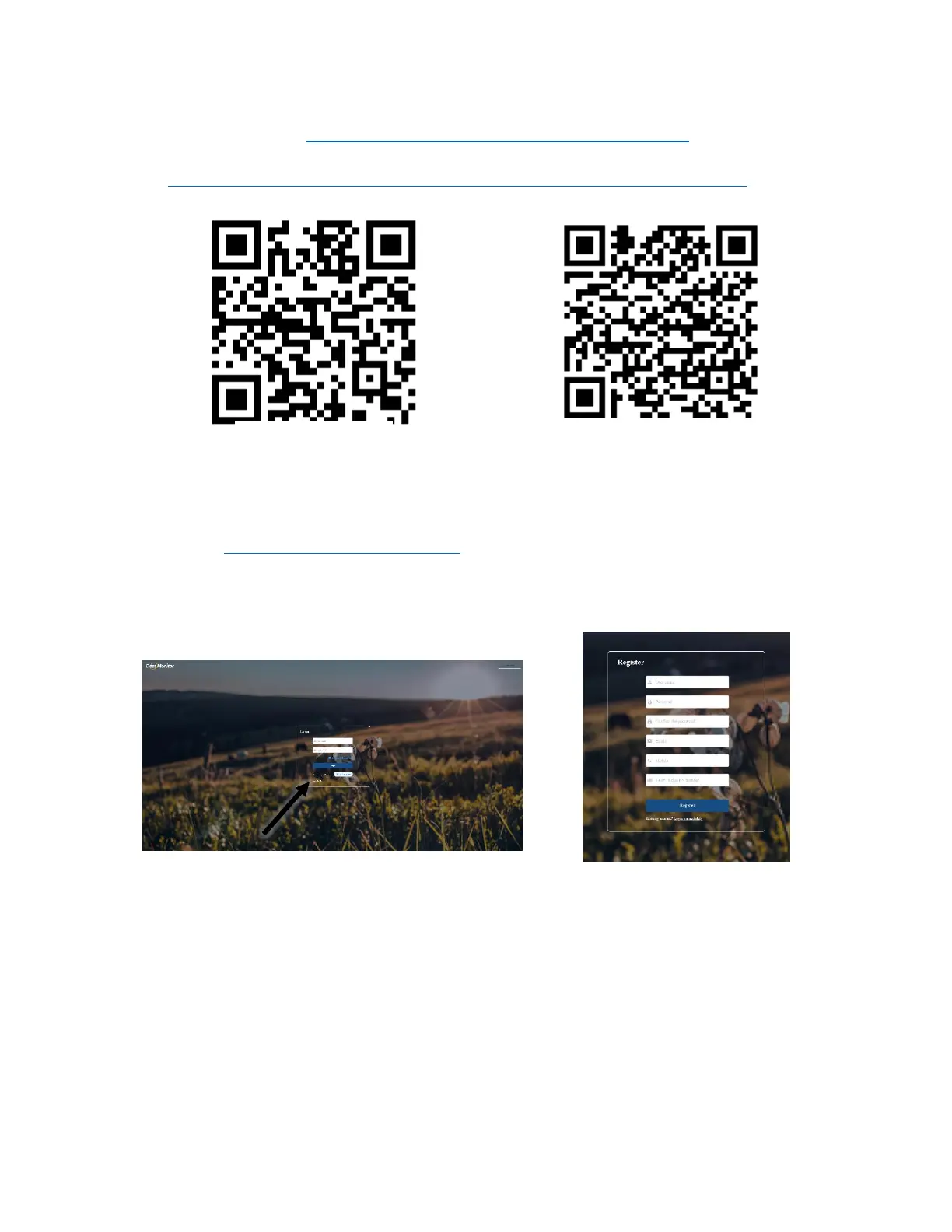
a. Registering WIFI (Via Cell Phone or computer)
i. Using the browser on your device that is connected to the internet, navigate to:
▪ http://www.dessmonitor.com/
ii. In the upper right-hand corner use the dropdown menu to select English
iii. Then select “Register immediately”
▪ Fill in the credentials and make sure to remember or write down your login credentials
Note 1: The PN number is the number on the WIFI dongle that is connected to the Sol-Ark
Note 2: Registration of your system can also be done via the Smart ESS App



 To Next Page