Sola Neumasem Plus Drill Control
22
8. Hopper Level
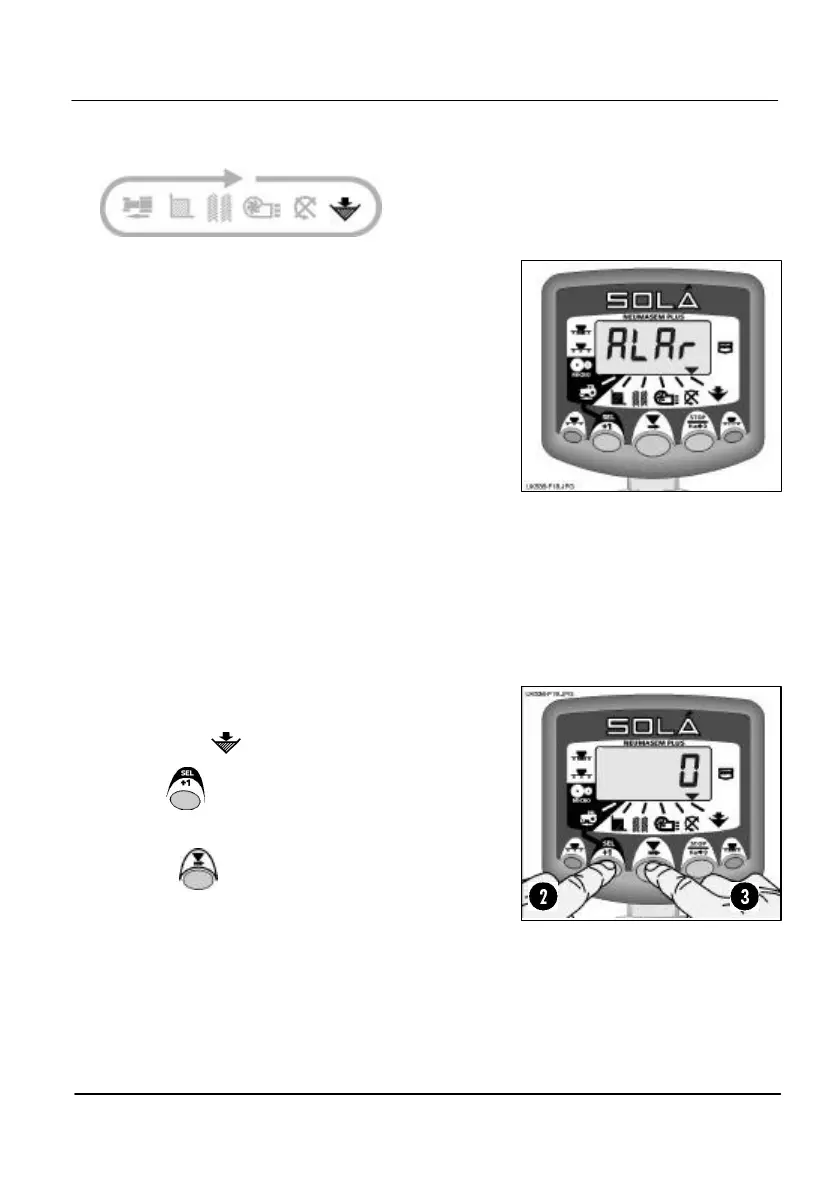
This display is left blank if the alarm function is
disabled in programme mode 1.
When the alarm is enabled, when the seed level
drops below the sensor fitted in the side of the
hopper, the instrument defaults to this channel and
sounds 5 beeps
Enable / Disable Hopper Level Alarm
1. Select the channel.
2. Hold to enter programme mode 1.
Continue holding the button and…
3. PRESS to select 0 (Off) / 1 (On).
The display will stay blank on this channel
when the alarm is disabled.
4. Release both buttons. The instrument will
then return to the normal display mode.
Figure 18: Hopper Low Alarm


 To Next Page