13
L30US-IB80, L30US-IB00, L40US UPS
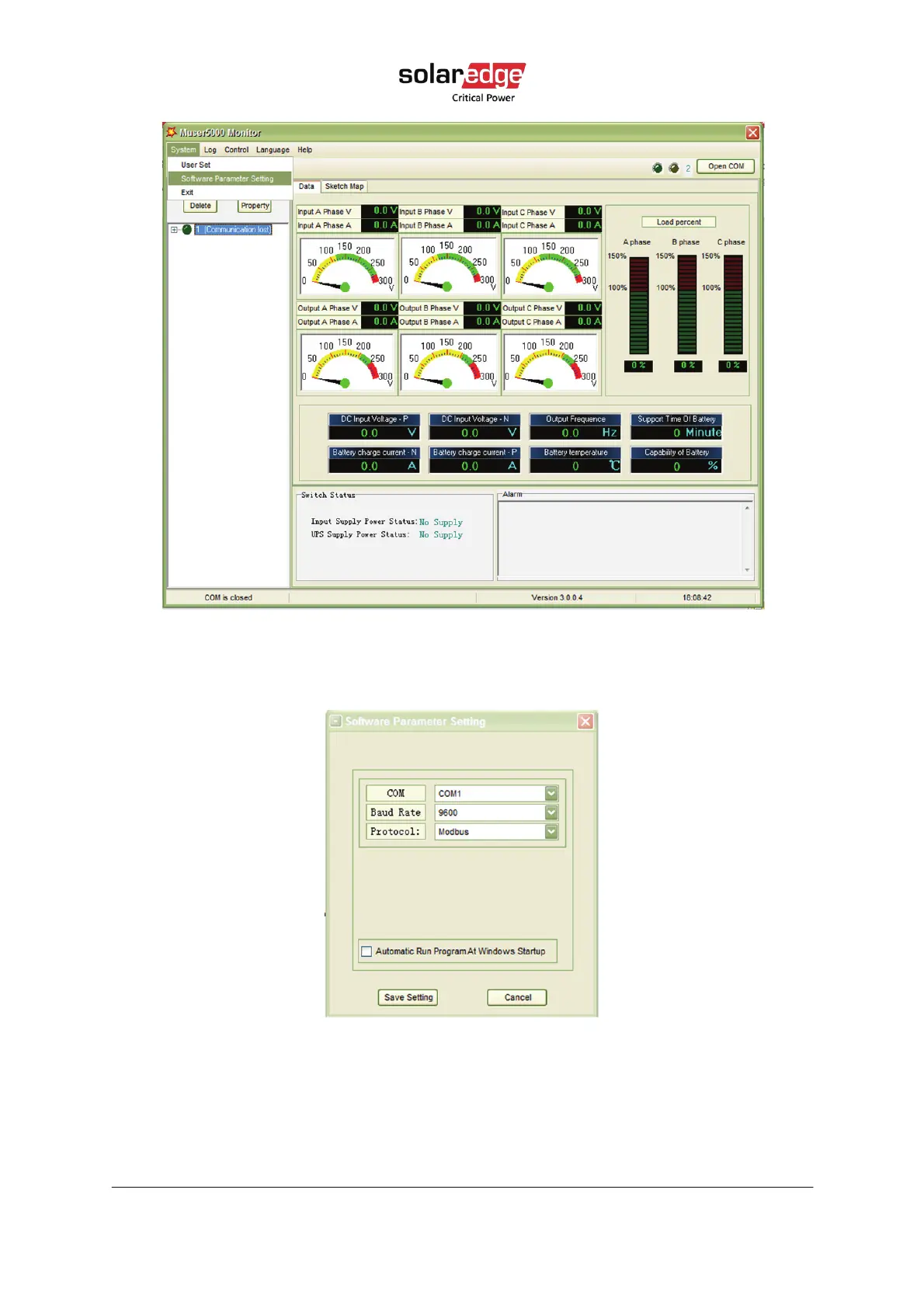
Figure 6 Muser5000 homepage
3. On Software Parameter Setting, choose COM according to your UPS, choose 9600 for
baud rate, choose modbus for protocol, then click Save setting.
Figure 7 Muser5000 communication setting page
4. On the main page of Muser5000, click the Append button, Append equipment screen
opens. Enter the Password: YDC3350.



 To Next Page