14
L30US-IB80, L30US-IB00, L40US UPS
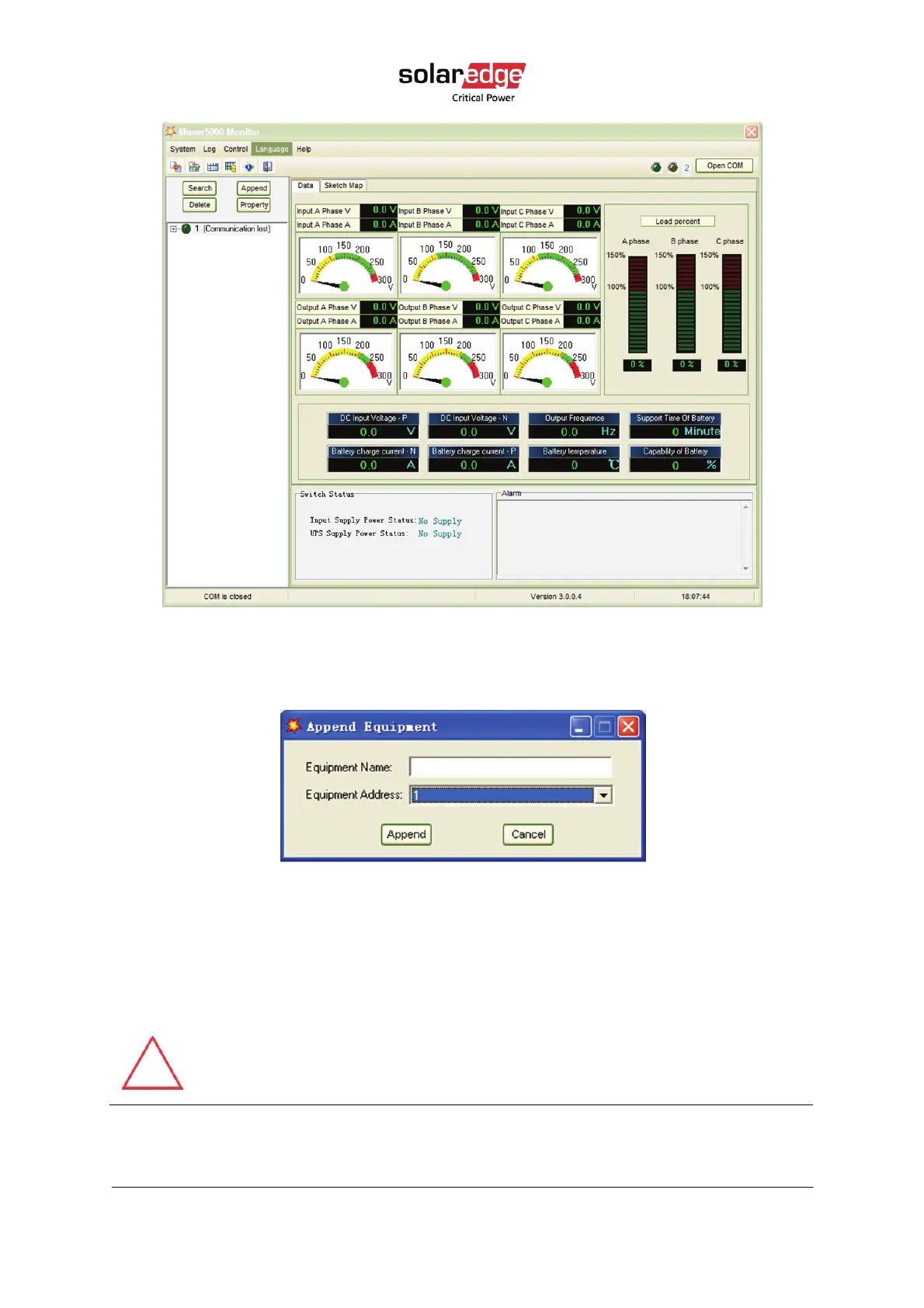
Figure 8 Muser5000 Append equipment page
5. Fill the UPS name in the Equipment Name field, fill the UPS ID address in the Equipment
address field.
Figure 9 Muser5000 Append equipment manual setting page
6. Click the Append button. Connection between the UPS and the computer is now
established.
CAUTION!
When the UPS works on inverter: to set the output voltage and frequency using
your PC, you must shut down the inverter first.



 To Next Page