22
L30US-IB80, L30US-IB00, L40US UPS
WARNING!
Wait for about 5 minutes for the internal D.C. bus bar capacitors to be
completely discharged.
4.2.8. Parallel setting
Connect the UPS to the computer (See 3.6). Power on the UPS.
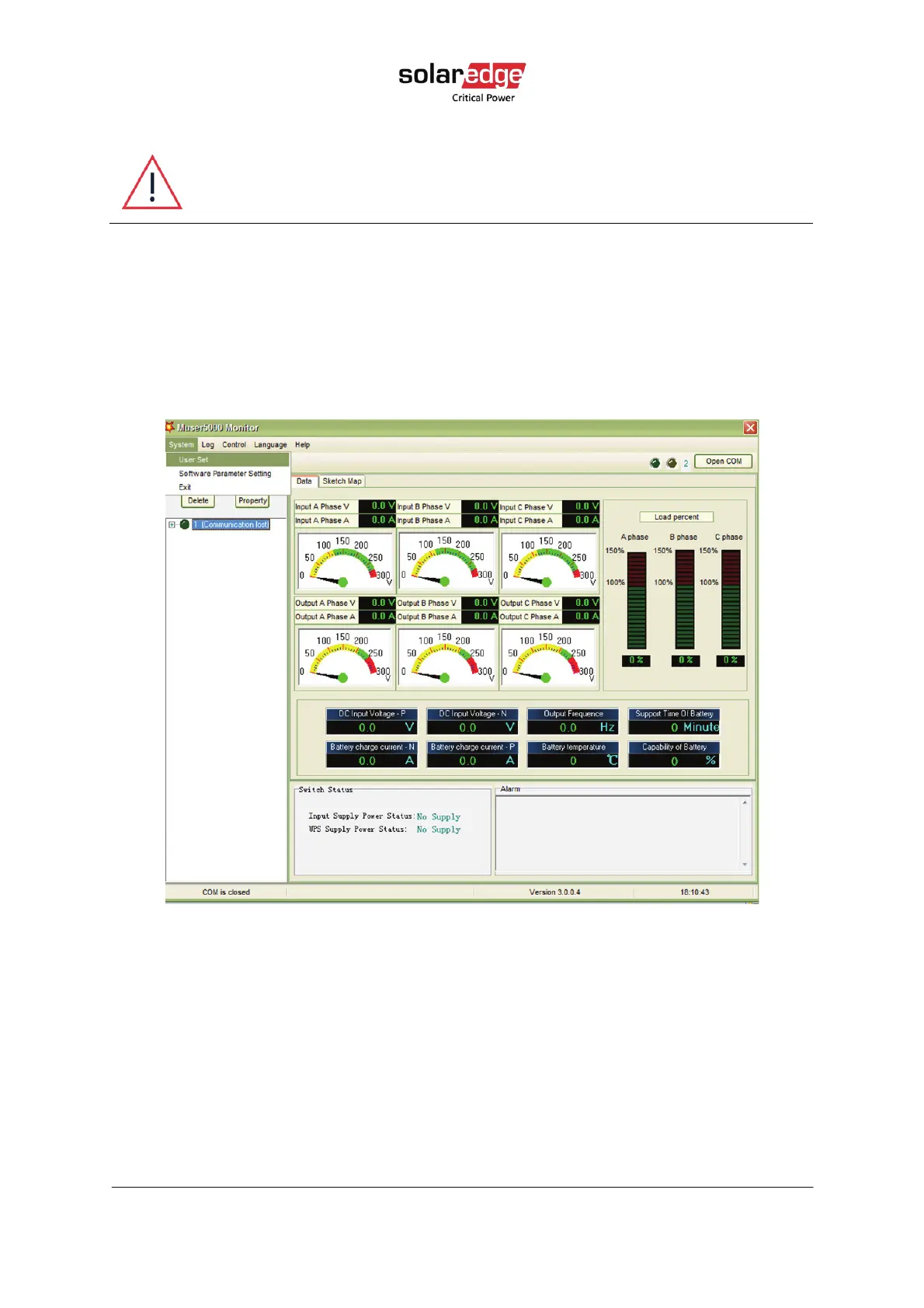
Open Muser5000 software; after connecting to the UPS successfully, click System >User
Set.
Figure 16 Muser5000 homepage
Click Set at User Set screen. The password is YDC3350.



 To Next Page