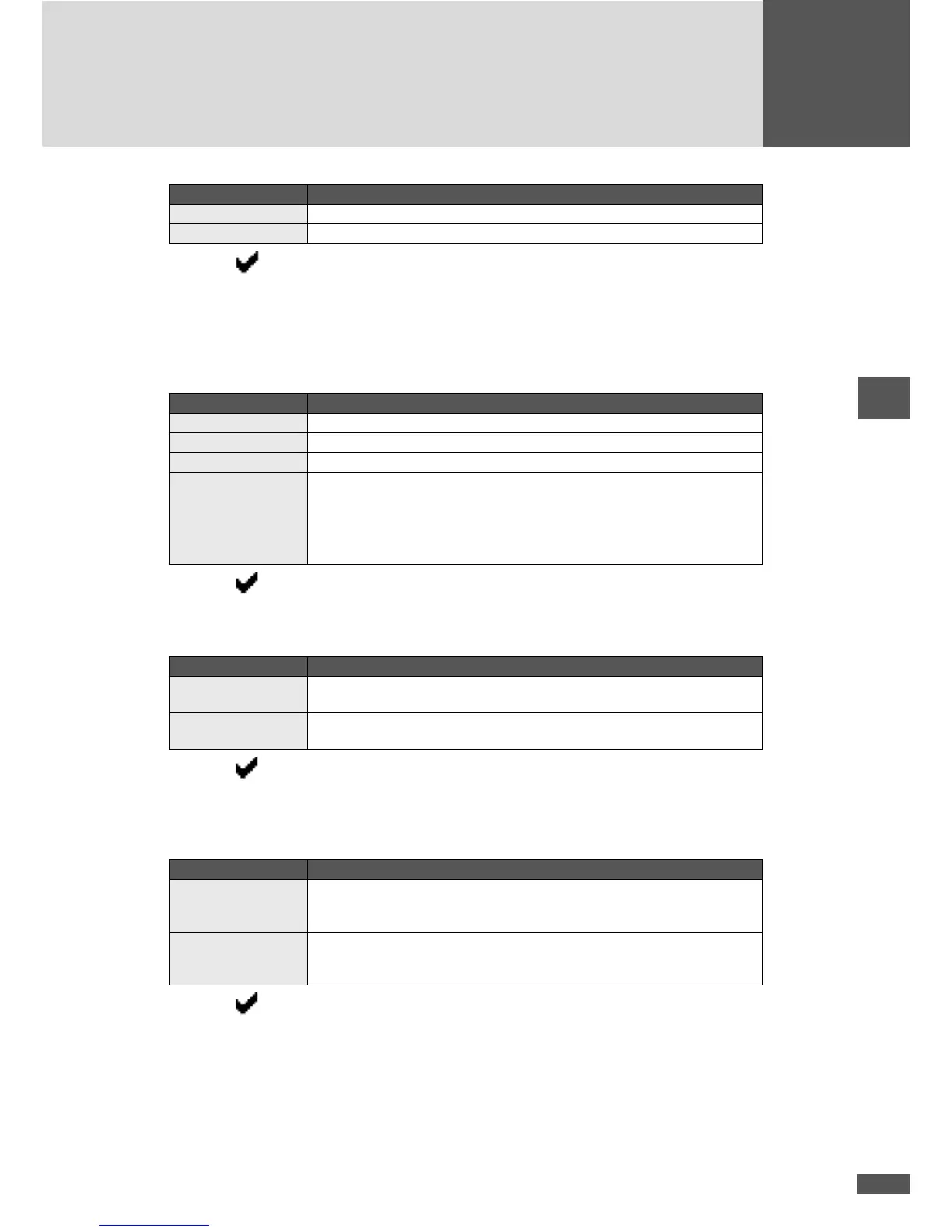
Setting Description
Mid voltage The inverter is connected to the medium-voltage mains.
Low voltage The inverter is connected to the low-voltage mains.
– Press to conrm your entry. When selecting “Low voltage”, the “Plant type”
menu (for country setting “Germany”) or the “Standard” menu (for country setting
“Italy”) is displayed (step 4).
4. Determine the “Plant type” and/or the “Standard”.
“Plant type” menu.
Setting Description
< 13.8kVA The plant system rating is lower than 13.8kVA.
13.8–30kVA The plant system rating is between 13.8kVA and 30kVA.
> 30kVA The plant system rating is higher than 30kVA.
VDE 0126-1-1 Required setting if the inverter is commissioned within a PV plant connected to
the grid before 1 January 2012.
Note:
The setting “VDE 0126-1-1” is inadmissible for PV plants connected to the grid
after 31 December 2011.
– Press to conrm your entry. With the “> 30kVA” setting, the “Monit. ext. in-
put” menu is displayed (step 5).
“Standard” menu:
Setting Description
Guida Connessioni Required setting if the inverter is commissioned within a PV plant connected to
the grid before 1 July 2012.
CEI 0-21 Required setting if the inverter is commissioned within a PV plant connected to
the grid after 30 June 2012.
– Press to conrm your entry.
Steps 5 and 6: only for country setting “Germany”:
5. Congure the status signalling contact in the “Monit. ext. input” menu.
Setting Description
On The status signalling contact is congured for monitoring an external input. The
grid relays of the inverter are used as interconnection circuit breakers of the
central grid and plant protection. Description see section 4.6.5; page 77.
Inactive The “Monitoring external input” function is switched off. The status signal-
ling contact can be used for remote retrieval of the inverter's operating status.
Description see section 4.6.4; page 77.
– Press to conrm your entry.



 To Next Page