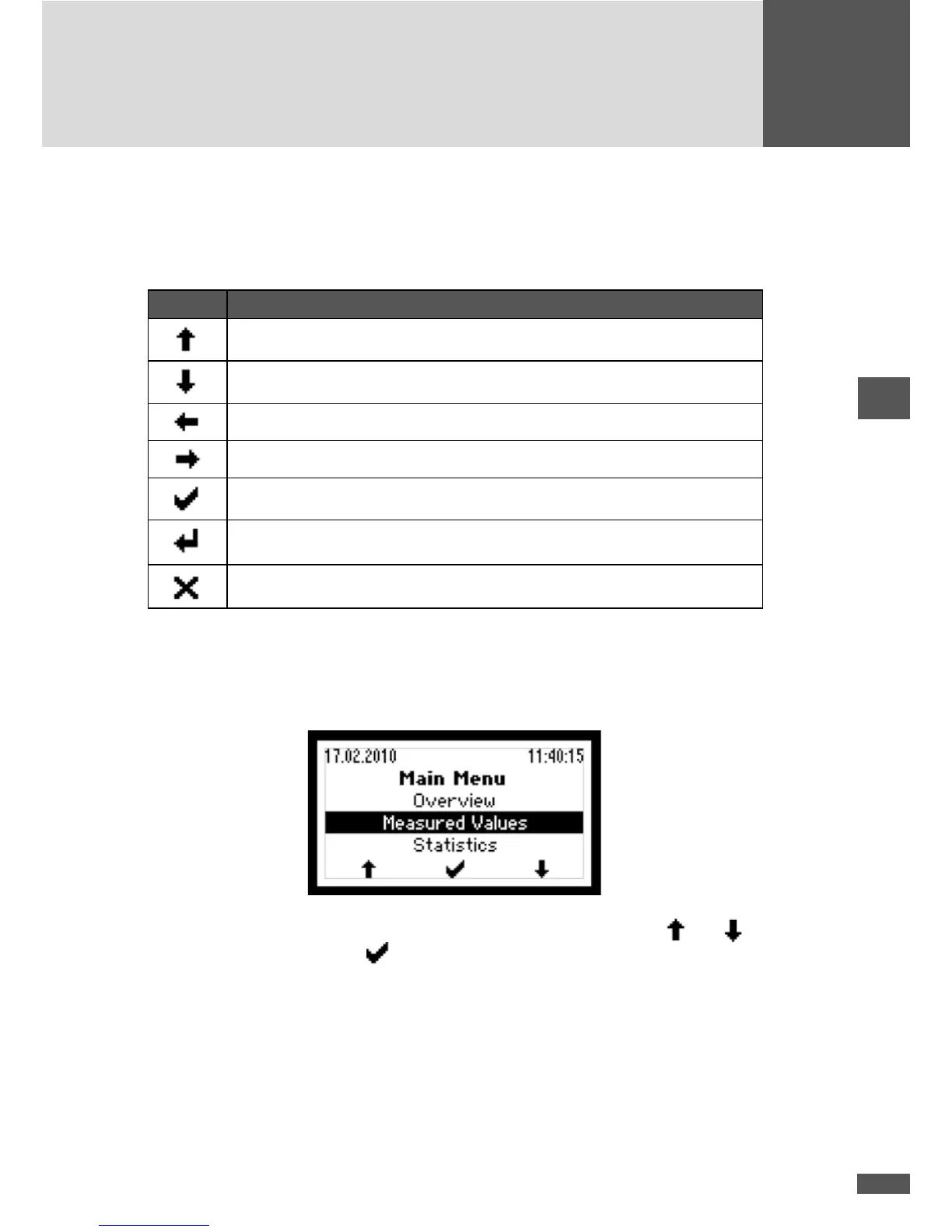
6.2 Menu button symbols
With the help of the symbols shown here you can navigate the various menus and func-
tions visible in the display. The current button function may change from one menu to
the next and corresponds to the symbol appearing directly over the button in each case:
Symbol Function
Scroll up, increase number, or next element
Scroll down, or previous element
Back to higher level menu
Select next number
Display selected sub-menu or conrm changes
Launch edit mode for selection
Abort
6.3 Menu structure
6.3.1 Main menu
The Main menu provides access to other menu levels. Use the arrow keys and to
select the desired menu. Click
to conrm your selection.



 To Next Page