29
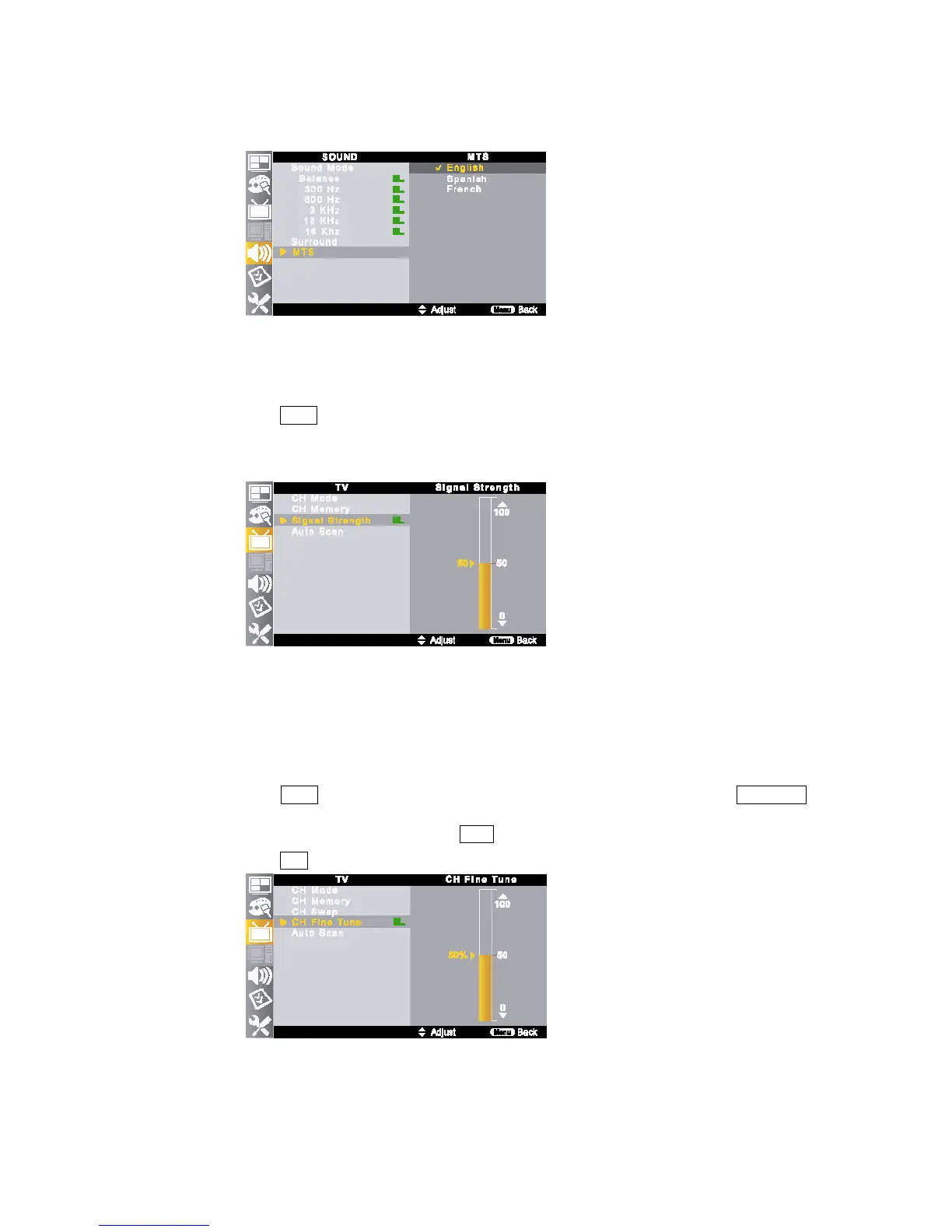
③ Support Language : English, Spanish, French
9) Signal Strength
You can check digital broadcasts signal strength on the OSD menu.
① Press MENU button on the remote control and move to <TV – Signal Strength>.
②
The strength of the digital signal is displayed.
③
The signal strength information is based on the current channel.
④ If necessary, adjust the direction of the antenna to obtain the maximum signal strength.
⑤ If the signal strength is not good enough, the TV image will be displayed as cross stripes.
10) CH Fine Tune
If a searched channel is unclear or sounds abnormally, use <CH Fine Tune> function to adjust it.
①
Press MENU button on the remote control and move to <TV – CH Fine Tune> by pressing ▲/▼//◀▶
buttons.
②
Select optimal signal status by pressing ▲/▼ buttons.
③
Press EXIT button to return to normal screen.



 To Next Page