6. Operation6. Operation
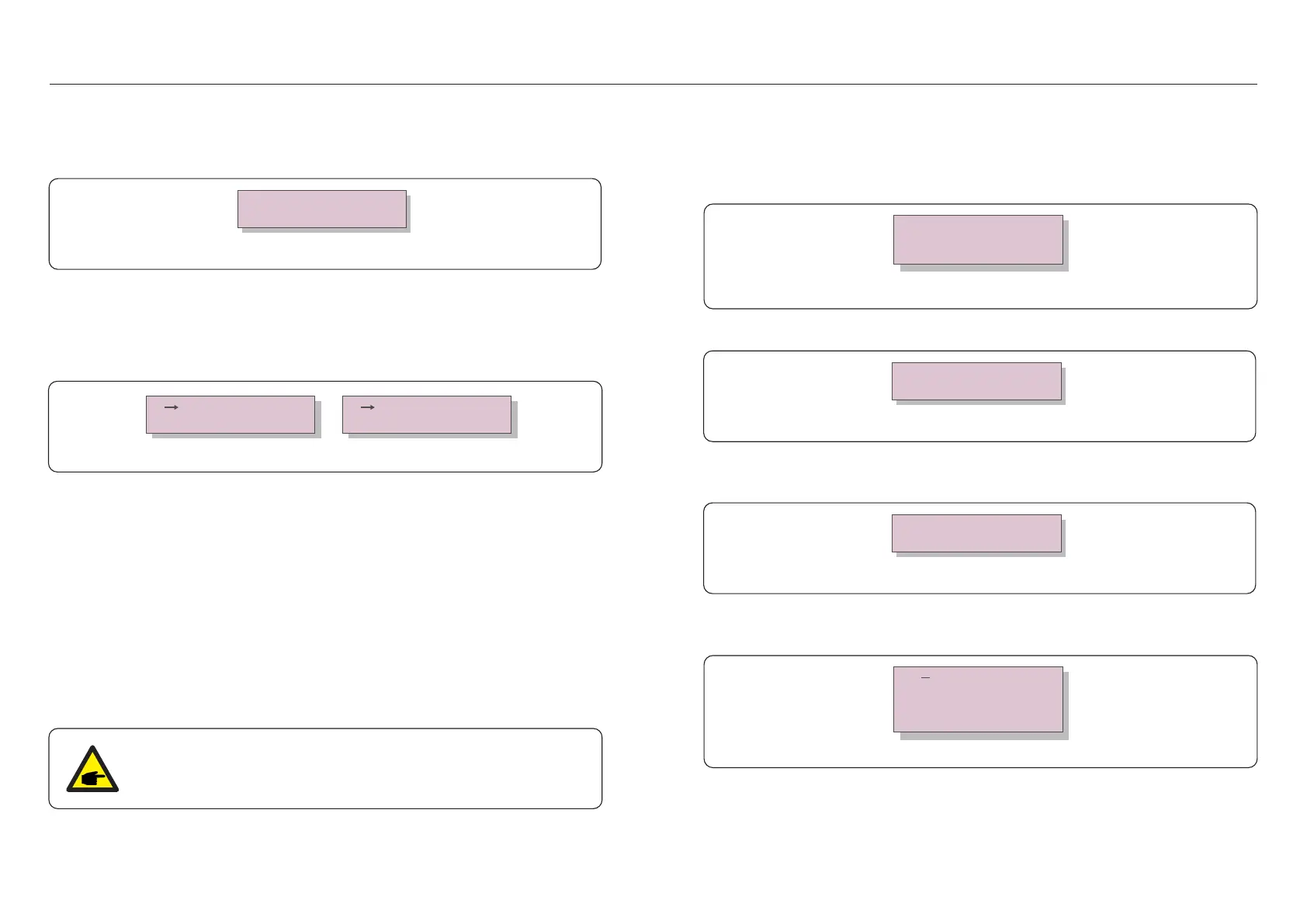
6.5.8.2 Discon Relay Set
Figure 6.28
YES=<ENT> NO=<ESC>
DRM Set: ON
When complex shading exits, double wave MPPT function may be used.
Turn on the D_Wave Switch, set the scan interval time(interval-T), save and send.
The inverter will carry out double wave MPPT scanning 1 time every scan interval time.
6.5.8.3 D-Wave Switch
Figure 6.26 D-Wave Switch
D_Wave Switch:OFF
Interval-T: 030Min
Save & Send
Cancel & Exit
6.5.9 STD Mode settings
There are 10 setting under STD. Mode settings.
1. Working Mode Set
2. Power Rate Limit
3. Freq Derate Set
4. 10mins Voltage Set
5. Q3Tau Settings
6. P3Tau Settings
7. Control Switches
8. Power Priority
9. Initial Settings
10. DRM Settings
This function is applicable by maintenance personnel only, wrong operation
will prevent the inverter from reaching maximum power.
Figure 6.27
DRM ON/OFF
AU DRM Q Set
VDE_DRM Settings
(1)For G98 or G99 standards, select DRM Set ON to enable the function.
(2)For AS4777.2 standard, select DRM Set ON to enable the function. Enter the AU DRM Q
Set to input the reactive power if needed.
Figure 6.29
YES=<ENT> NO=<ESC>
Rea Power: -35%
(3)For VDE4105 standard,select DRM Set ON to enable the function. Enter the VDE_DRM
Settings to input the specific values under different logic points.
Figure 6.30
LogicPLmt01:000%
LogicPLmt02:030%
LogicPLmt03:060%
LogicPLmt04:100%
.39..38.
Figure 6.25 Discon Relay Set
YES=<ENT> NO=<ESC>
Discon_Relay: Disable
DRM is used to control the AC output of the inverter according to different state standards.
DRM default setting is “OFF”. If DRM setting is “ON”, but the inverter logic interface is not
connected to the switch or the switch is open, the inverter will display “Limit by DRM” and
the inverter output power will be limited to zero.
6.5.9.1 DRM Settings
The function is used to set the grid side relay state when the inverter AC output power is set
to 0% . Select enable to disconnect the inverter from the grid, select disable to keep the
inverter connected with the grid.



 To Next Page