UM0027_ SOL APOLLO Series 7.4-22K_EN_V02_0523 41
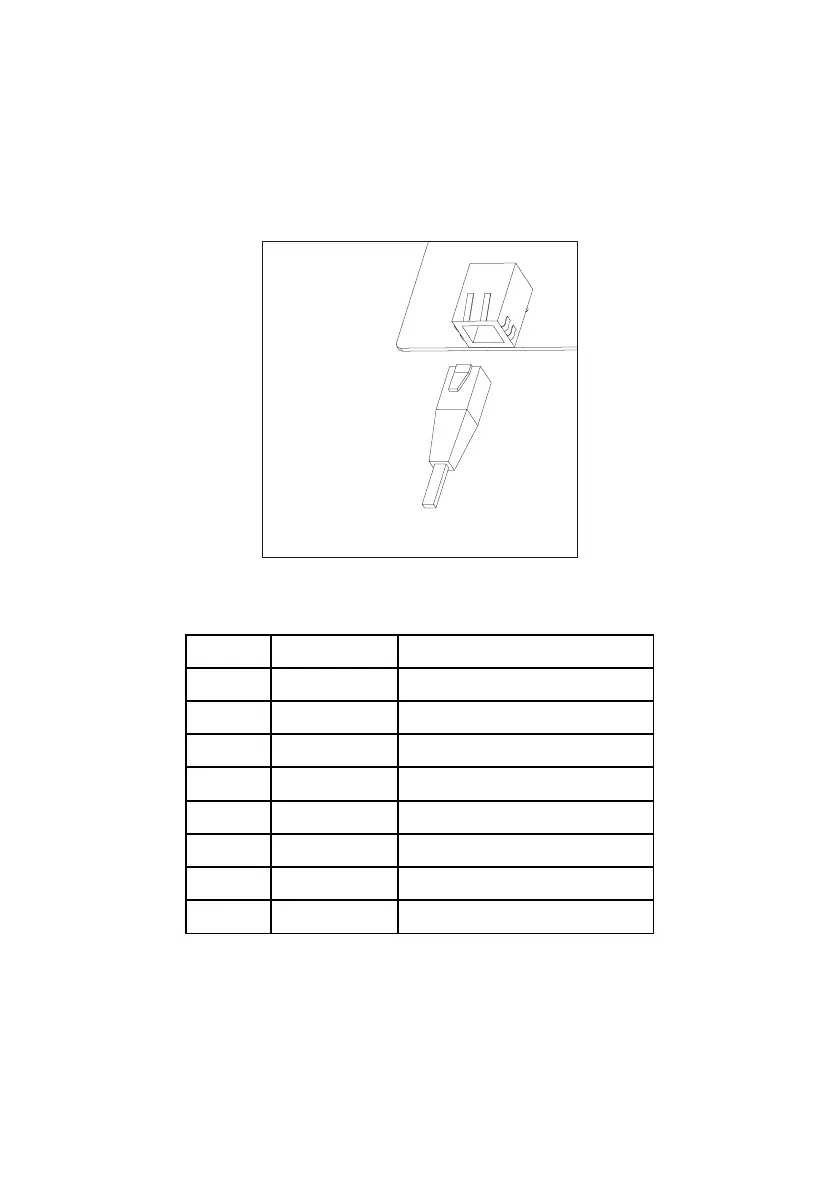
Figure 29
Installing the Ethernet (RJ-45) (optional Ethernet)
To connect the EV charger to a router, ensure an ethernet cable is connected
to the ethernet (RJ-45) port of the EV charger and to an RJ-45 port of the
router. The pin assignment is as the table below.
RS-485 communication cable for energy meter
1. For RS-485 communication a standard ethernet cable is recommended.
The pin assignments are shown below. Strip the wire as shown in the
figure 31, and crimp the copper wire to the appropriate OT terminal
(according to DIN 46228-4, provided by the customer) if the cable is multi
strand flexible conductor. The other end of the cable should be connected


 To Next Page