WiFi Setup – WPS
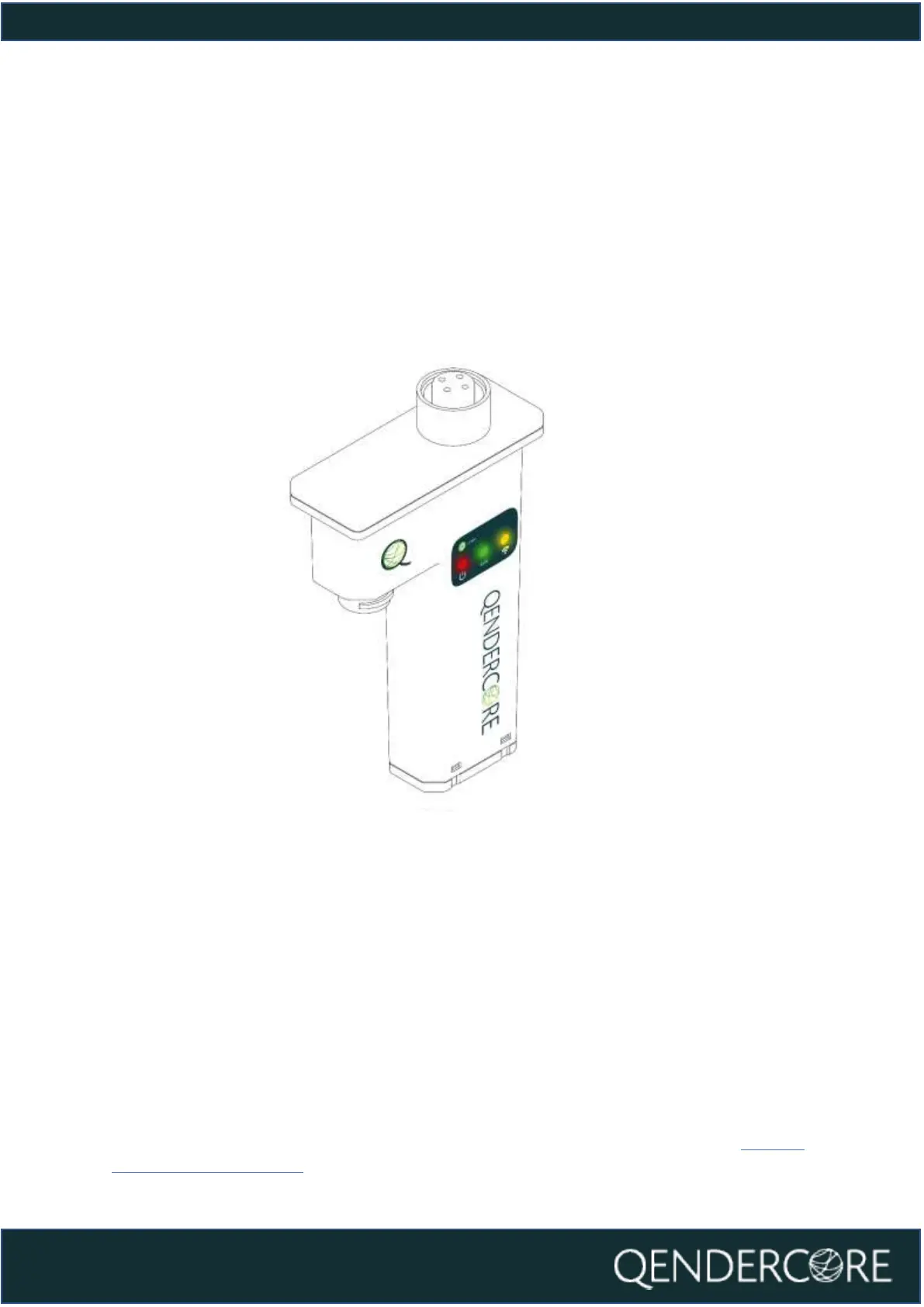
Once your Qendercore Hub is plugged in and the Status lights are flashing, push
the Interactive Button twice (two short presses) to enter Setup Mode. The “Mode”
light (Green) should start flashing on and off approximately every 1.5 seconds.
Once in Setup Mode you will need to push the Interactive Button once (one long
press 3-6 seconds) to enter WPS Pairing Mode. The “Mode” light (Green) should
now be flashing on and off every 0.4 seconds.
Once in WPS mode, follow the instructions for the target WiFi router to activate
WPS Pairing mode on the router. This could be by pushing a button on the router,
or it may require logging into the router’s configuration wizard. Please confirm the
process with the router manufacturer if required.
Once both devices are in WPS Pairing Mode at the same time, the Hub should
automatically connect to the target WiFi router. Once pairing is complete and
WiFi network connection is confirmed, the “Connectivity” (Yellow) LED will flash
faster in accordance with the LED Status section of this document. Once the LED
remains on, and blinks off every 3 seconds, communications have been
established with the Qendercore servers, and it is ready for account setup (Linking
a Qendercore Account).



 To Next Page