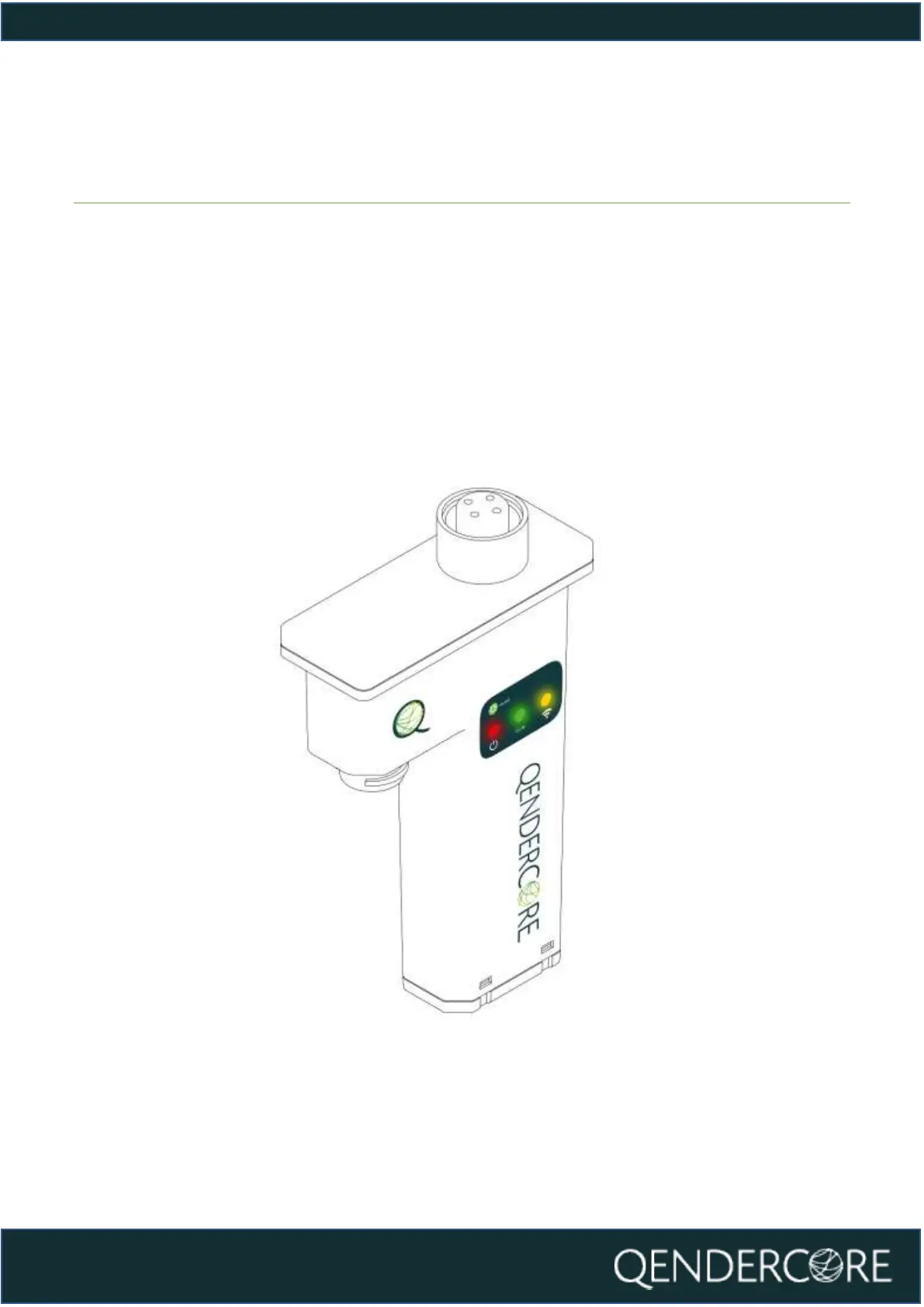
Installation of Qendercore Hub
Connect the Qendercore hub to your Soltaro All in One 2 by aligning the round
connector with the “EMS” connector on the inverter and pushing it upwards (DO
NOT CONNECT WHILE INVERTER IS ENERGIZED). Once connected, tighten the
outer lockring until it is firm. Once complete, switch on the inverter and wait for
the status LEDs (Green and Yellow) to start flashing.



 To Next Page