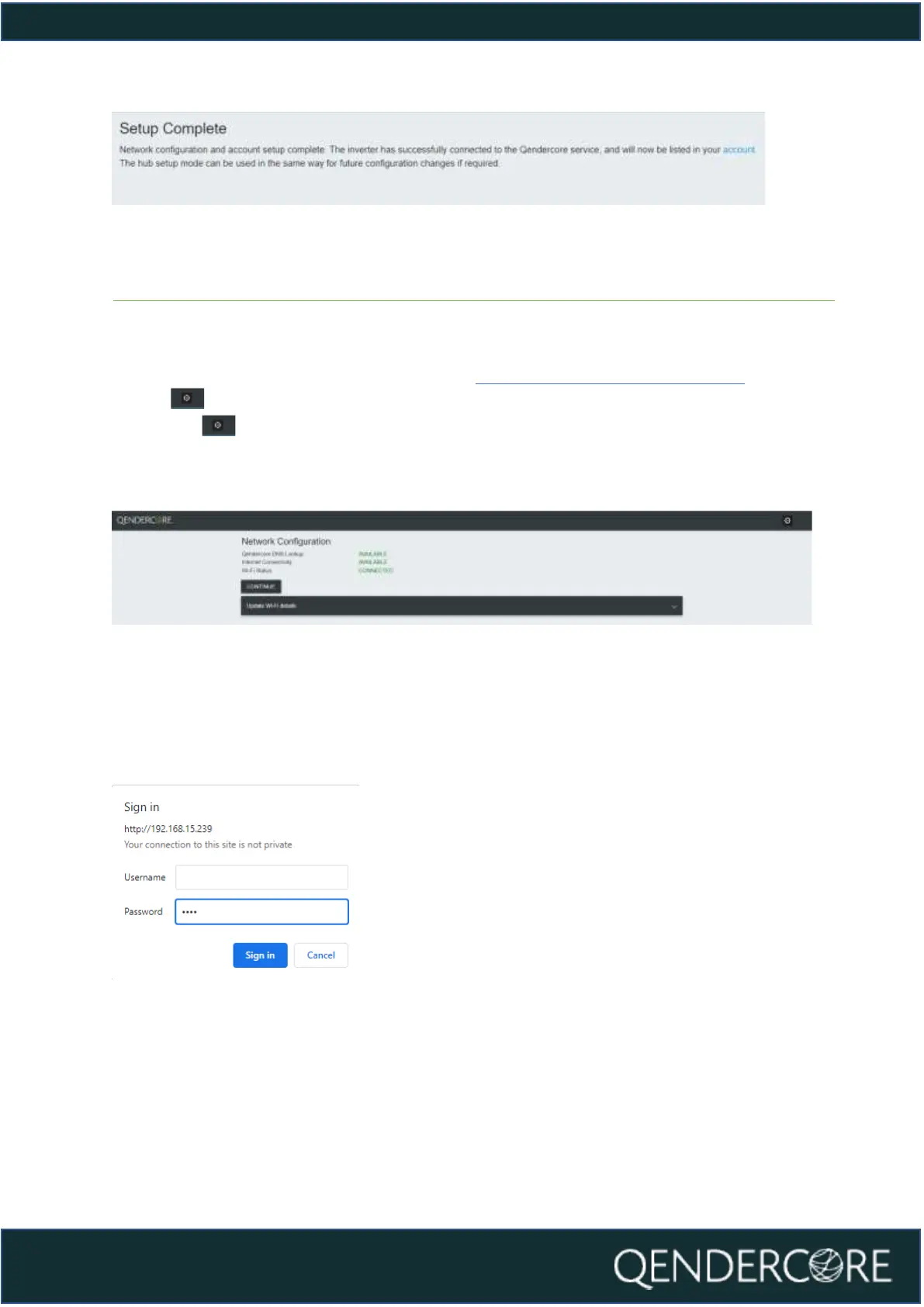
Figure 16 - Setup Complete
Soltaro Inverter Setup
After connecting to your Qendercore Hub (Connecting to Qendercore Hub), click
on the button in the top right corner to be taken to the Soltaro Maintenance
Index. The button can be used on all pages except the Soltaro Maintenance
Index page to reach the Soltaro Maintenance Index.
Figure 17 - Network Configuration
You will be prompted to sign in. Leave the Username blank, and input “1111” into
the Password section, then press “Sign In”.
Figure 18- Maintenance Authentication



 To Next Page