BASIC SETTINGS
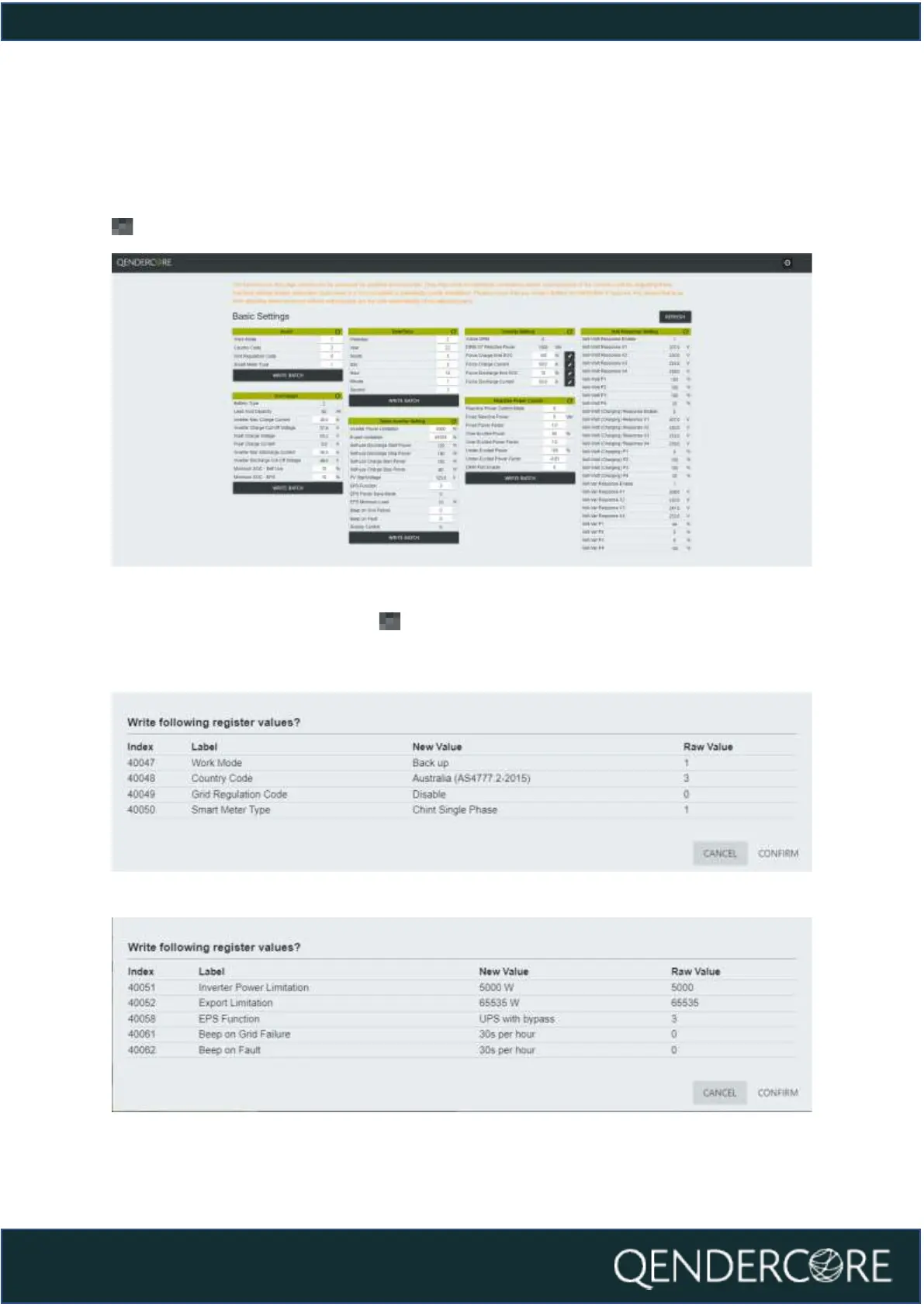
The Basic Settings page is for inverter settings related to typical installations.
Sections with “Write Batch” at the bottom must be updated in batches. Fields with
next to them must be updated one by one.
Figure 21 - Basic Settings
Once you click “Write Batch” or , you will be given a confirmation popup with
the values you are about to change. Check that they are correct, and then click
“Confirm”. A description of the new value is provided where it is relevant.
Figure 22 - Setting Confirmation
Figure 23 - Setting Confirmation



 To Next Page