INVERTER OPERATIONS
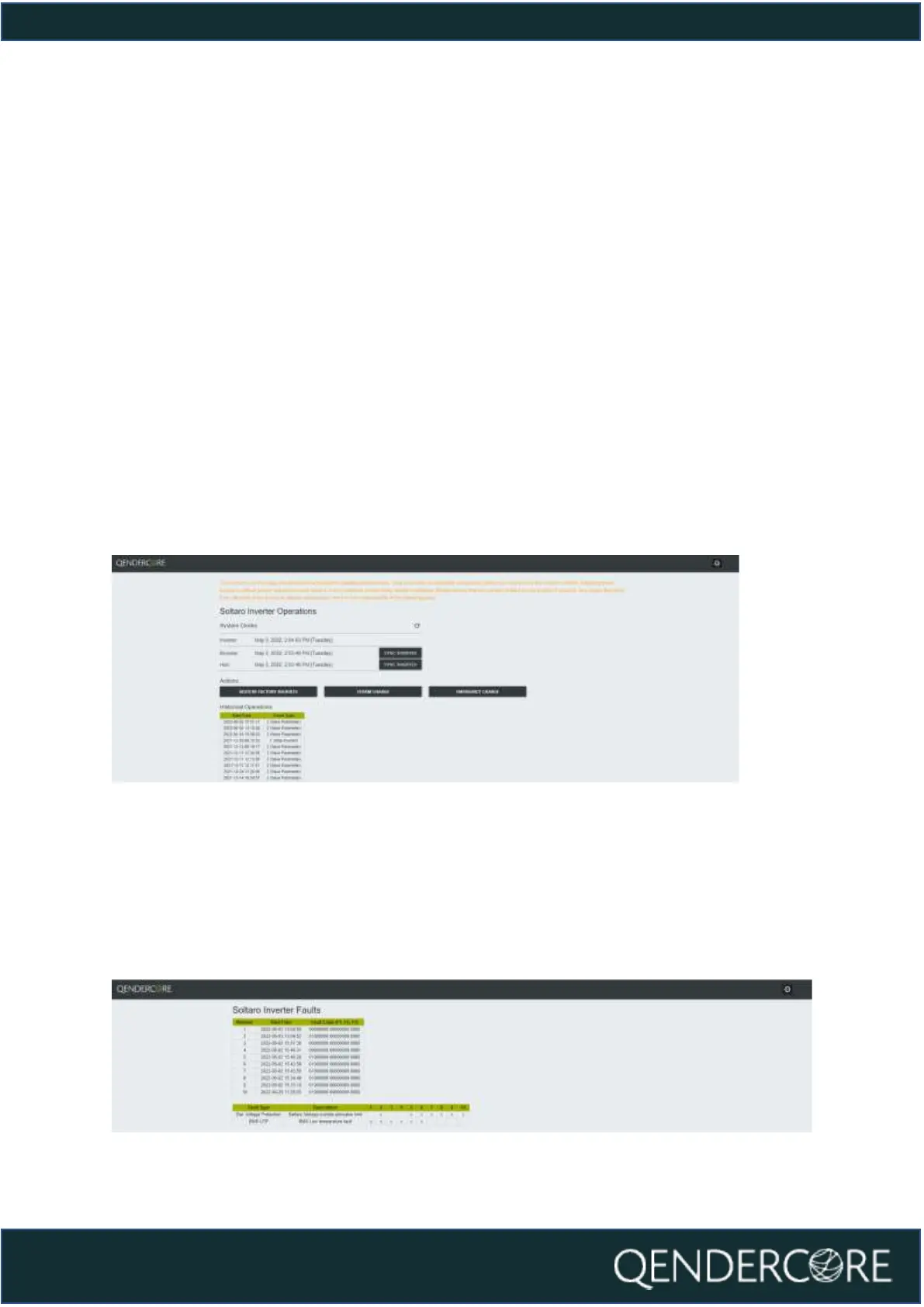
The Inverter Operations page provides the following functionality:
- Inverter Clock Synchronization
o Inverter Clock can be synchronized to the Browser (Your Device) or
Hub (Qendercore Hub) time. Please note, Hub Synchronization is only
available if Qendercore Hub has a valid internet connection to
validate the correct time via our servers. Both options are intended to
update the inverter clock, so it is only necessary to use one option.
- Restore Factory Defaults
- Emergency Charge
o Triggers a 10A, 52V voltage output on the inverter, without requiring
battery communications. Intended to “wake up” batteries that have
been dormant at low SOC where required.
- Storm Charge
o Triggers the inverter to charge any connected batteries to the
ChargeEndSOC% at the maximum allowable current. Recommended
to set ChargeEndSOC% to 100% when using this functionality.
Figure 26 - Inverter Operations
INVERTER FAULTS
This page will show you the last 10 fault codes recorded by the inverter locally. An
explanation of the recorded fault codes is provided at the bottom of the page for
your convenience. The Numbers in the second table correlate to the Fault Number
in the first table. Date/Time of each fault is based on the Inverter Clock at the time
that the fault occurred.
Figure 27 - Inverter Faults



 To Next Page