Connecting to Qendercore Hub
LOCAL ACCESS POINT (AP)
Once your Qendercore Hub is plugged in and inverter is powered, the “Power” LED
(RED) should light up. Shortly after, the Status lights will start flashing, push the
Interactive Button twice (two short presses) to enter Setup Mode. The “Mode” light
(Green) should start flashing on and off approximately every 1.5 seconds. Once in
Setup Mode you will need to push the Interactive Button three times (three short
presses) to enter Local AP Mode. The “Mode” light (Green) should now be flashing
on and off every 0.1 seconds.
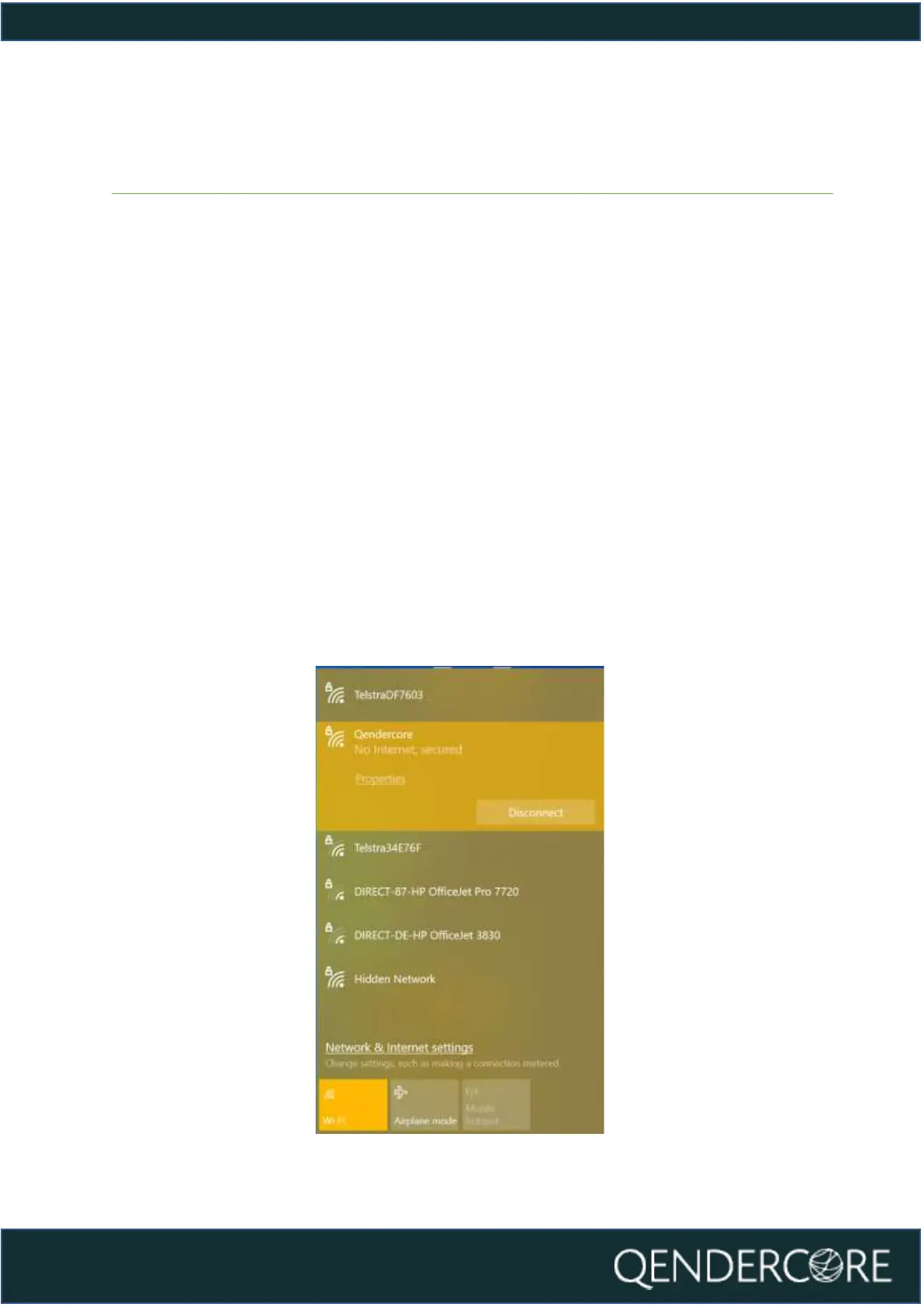
Once in Local AP mode, the Qendercore Hub will provide a temporary WiFi access
point that can be connected to by one device (eg. computer, smartphone, or
tablet) to complete the setup process. Using your device, open your WiFi settings,
and connect to the AP named “Qendercore”. The password is “p1234567”. (NOTE:
On some smart devices, it may be necessary to activate Airplane Mode before
switching WiFi back on, to prevent the device from prioritizing mobile data
connections) It is normal for this network to show a “No Internet” message from
your device.



 To Next Page