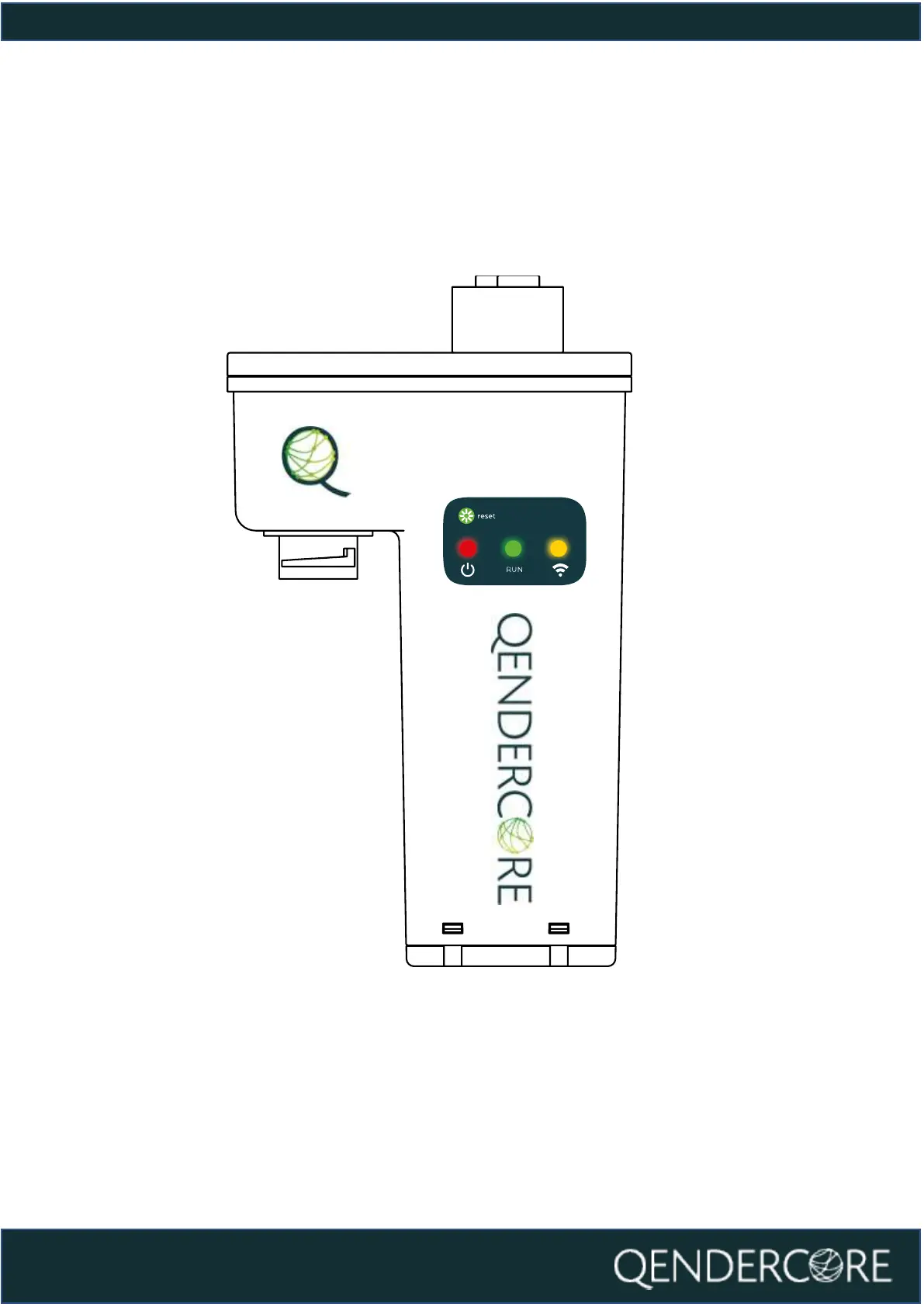
Once network connection is detected via the Ethernet cable, the “Connectivity”
(Yellow) LED will flash faster in accordance with the LED Status section of this
document. Once the LED remains on, and blinks off every 3 seconds,
communications have been established with the Qendercore servers, and it is
ready for linking a Qendercore account (See “Link a Qendercore Account”).



 To Next Page