Chapter 3 Software Setup
45
3-4 Creative Audio Driver Installation (For 65EP-T Only)
Please open your Support CD with your CD-ROM drive and select
“Creative Audio Driver [Optional] “ to proceed.
3-4.1 To Install Creative Audio Driver
2
Follow the instructions on screens to complete the installation, after
which please restart your PC to put the driver into effect.
1
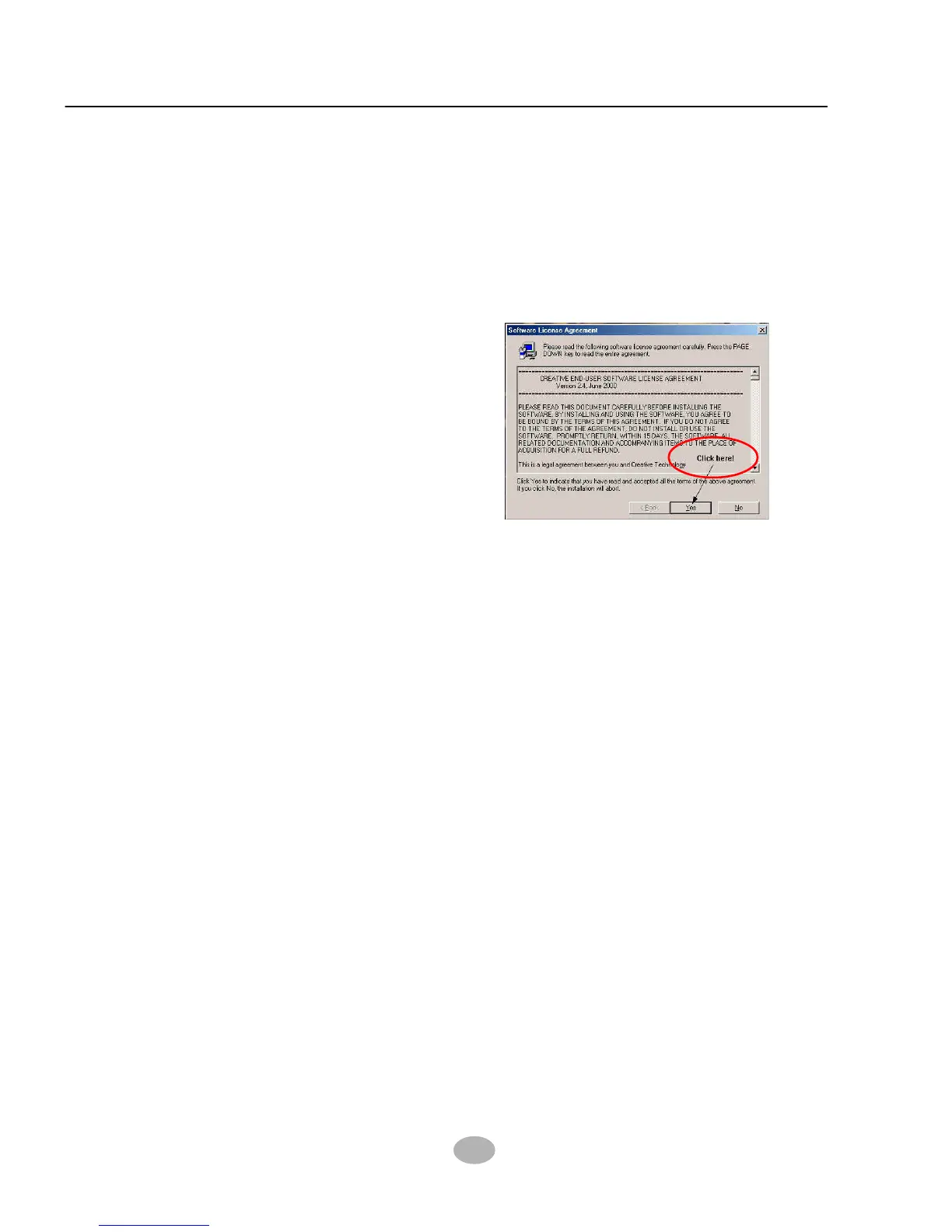
As soon as you click to the
“Creative Audio Driver
[Optional]”, the “Licence
Agreement” screen will appear
instantly. You must click to
“Yes” to continue installation.



 To Next Page