65EP-T/EP+-T
48
3-5 AC’97 Audio Driver Installation (For 65EP-T Only)
Please open the support CD with your CD-ROM and ckick to “ AC’97
Audio Driver [Optional]”.
Next
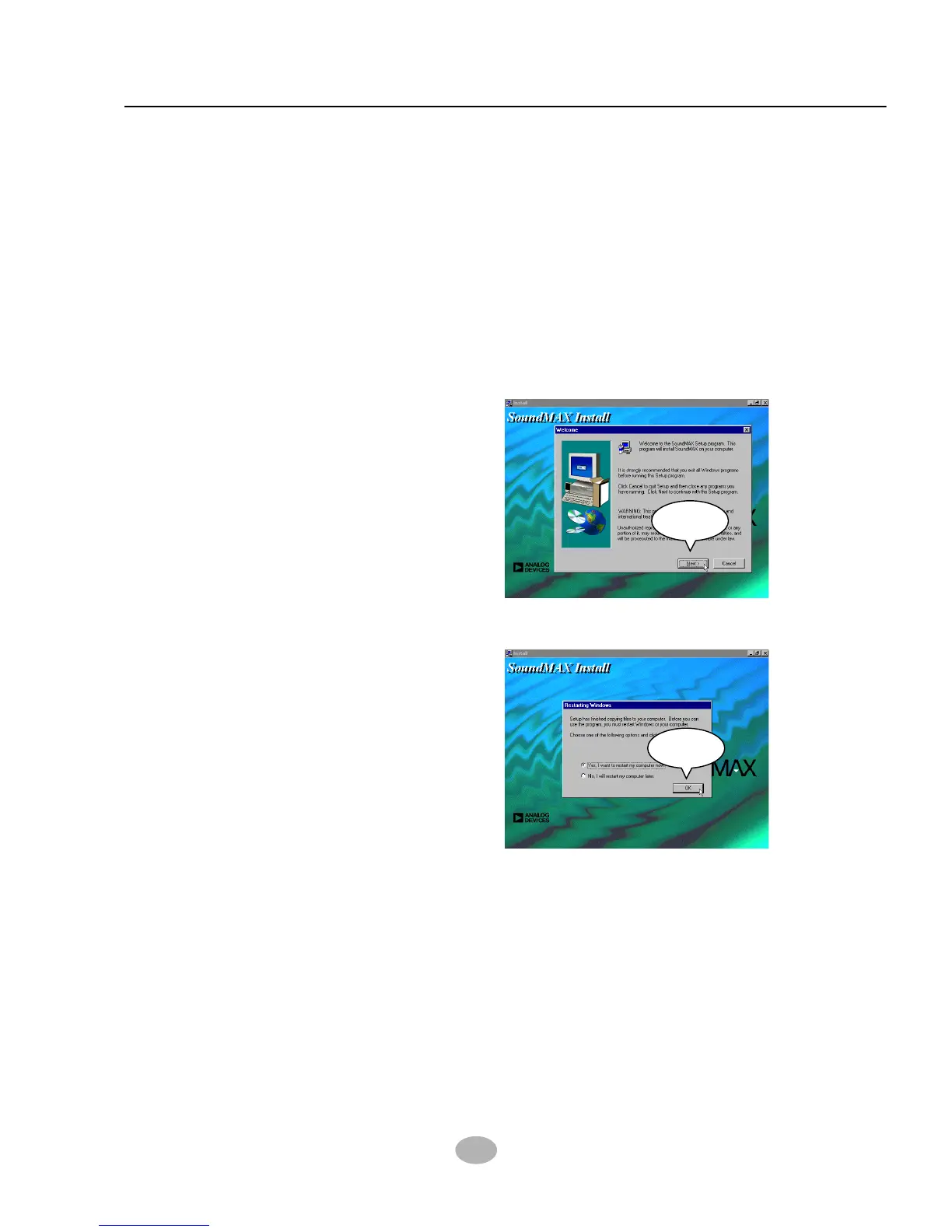
When the “SoundMAX Install”
screen appears, press “Next”
to continue.
2
OK
3
After all the setup process is
finished, please check the
“Yes, I want to restart my com-
puter now.” and click “OK” to
restart your system.
The next screen will appear for user to select which AC’97 driver you
need to install depending on what operation system you are using.
Supposing that your system is one of Windows 98SE/ME/Win2000,
then click on the “Install AC’97 Driver for Win98SE/ME/Win2000 ”.
1



 To Next Page