65EP-T/EP+-T
50
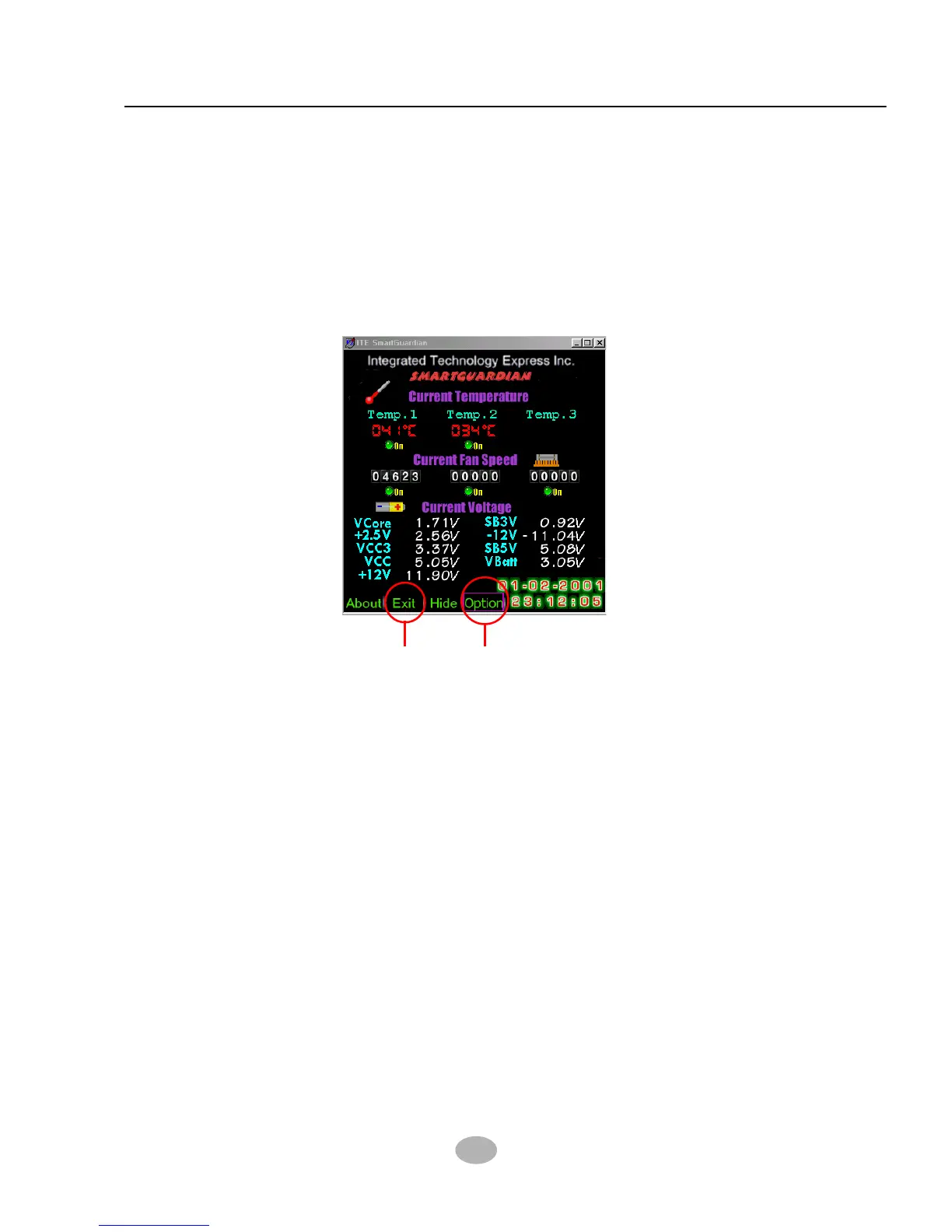
To display the Hardware Monitor Utility, just click on the “ITE
SMARTGUARDIAM” icon in your program file, and the following screen
of Smartguardian Control Panel will show up, displaying the information
about system temperatures, voltages and Fan speed. Clicking to the
“Option” menu of the Control Panel, you can also change some Value
settings for your system to optimize its performance.
5
“Exit” “Option”



 To Next Page