[87] Shooting Selecting a shooting mode
Sweep Panorama
Allows you to create a single panoramic image from multiple images shot while panning the
camera.
Set the mode dial to (Sweep Panorama).
1
Point the camera at the subject.
2
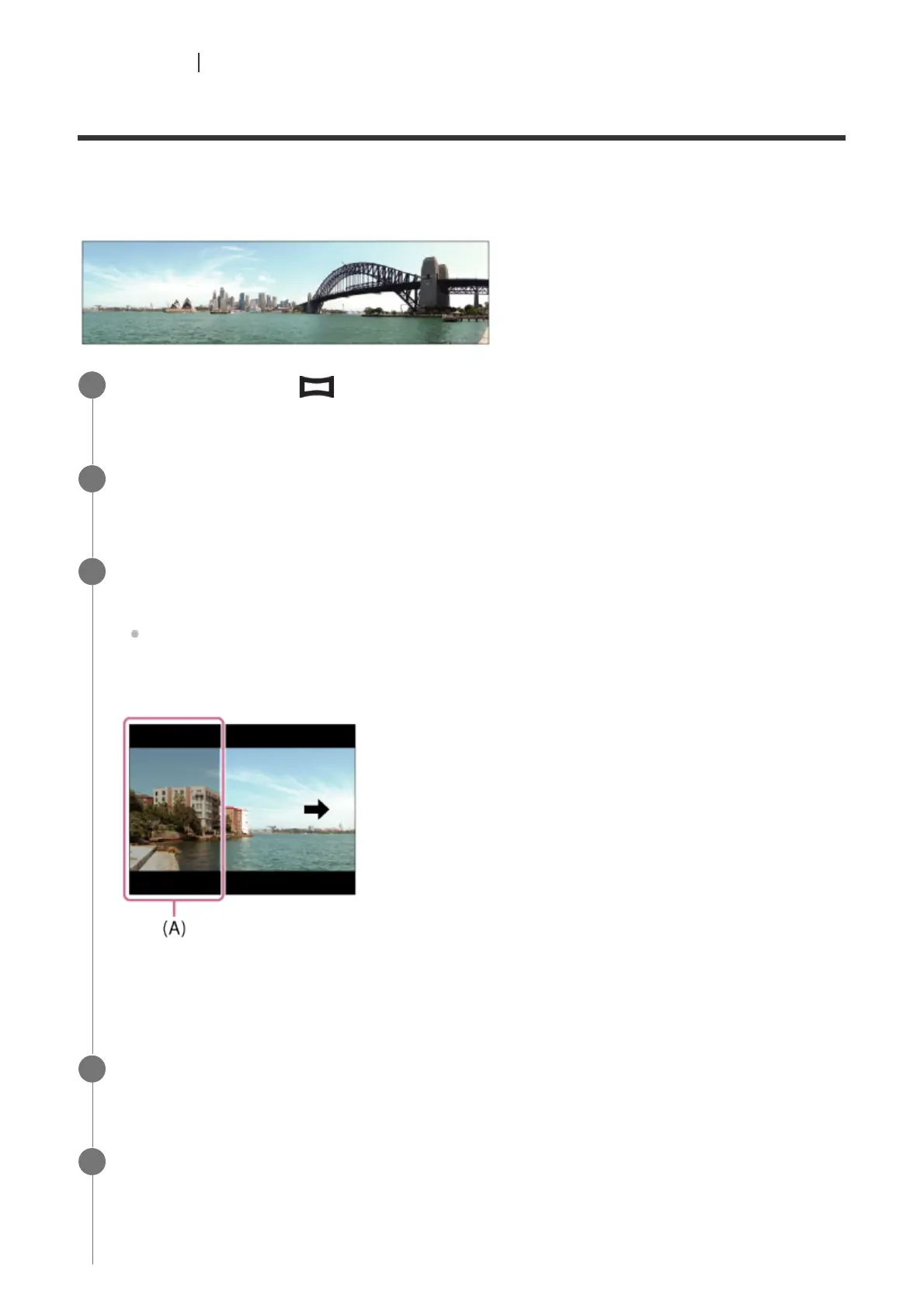
While pressing the shutter button halfway down, aim the camera at one end of the
desired panoramic composition.
You can change the shooting direction prior to shooting using the control dial.
(A) This part will not be shot.
3
Press the shutter button fully down.
4
Pan the camera to the end of the guide in the direction of the arrow on the monitor.
5



 To Next Page