Number of recordable images
When you insert a memory card into the camera and set the ON/OFF (Power) switch to “ON,”
the number of images that can be recorded (should you continue to shoot using the current
settings) is displayed on the screen.
Note
When “0” (the number of recordable images) flashes in orange, the memory card is full. Replace the
memory card with another one, or delete images from the current memory card.
When “NO CARD” flashes in orange, it means no memory card has been inserted. Insert a memory
card.
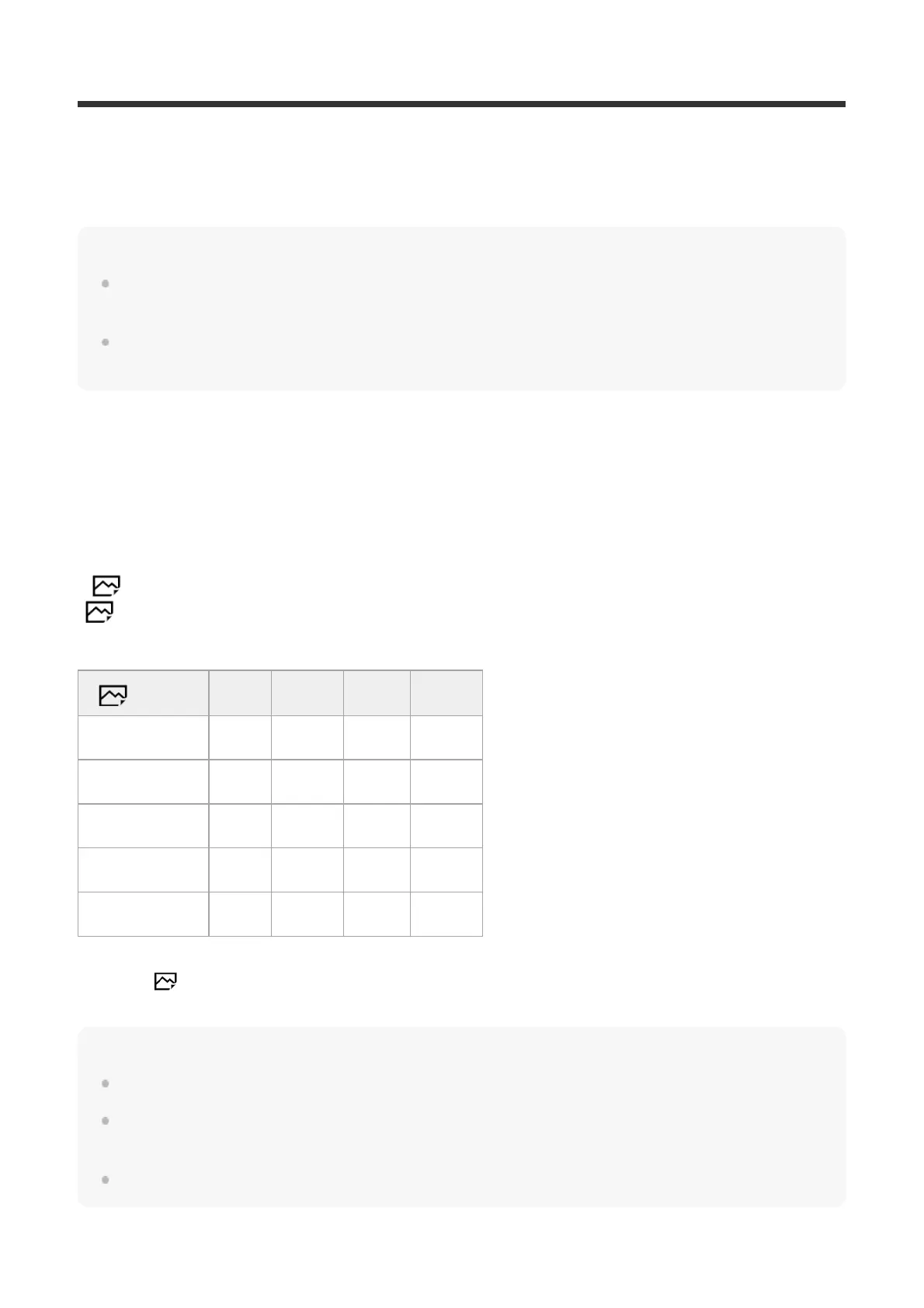
The number of images that can be recorded on a memory card
The table below shows the approximate number of images that can be recorded on a memory
card formatted with this camera. The values are defined using Sony standard memory cards for
testing.
The values may vary depending on the shooting conditions and the type of memory card used.
([
Image Size]:[L: 24M])
[
Aspect Ratio] is set to [3:2]
(Units: Images)
Note
Even if the number of recordable images is higher than 9999 images, “9999” will appear.
When an image shot with another product is played back on this camera, the image may not appear
in its actual size.
The numbers shown are when using a Sony memory card.
Quality 8 GB 16 GB 32GB 64 GB
Standard 1300 2700 5400 10500
Fine 820 1650 3300 6600
Extra fine 405 810 1600 3250
RAW & JPEG 215 435 880 1750
RAW 295 600 1200 2400
When [ Aspect Ratio] is set to other than [3:2], you can record more images than the numbers shown in the
table above. (except when [RAW] is selected)
*



 To Next Page