Hint
When the product cannot focus automatically, the focus indicator flashes and the beep does not
sound. Either recompose the shot or change the focus setting.
In
[Continuous AF] mode,
lights
up and the beep indicating that the focus has been achieved does not sound.
Note
When the subject is moving, you cannot lock the focus even if [Focus Mode] has been set to
[Automatic AF].
[30] Shooting Focusing
Focus Mode
Selects the focus method to suit the movement of the subject.
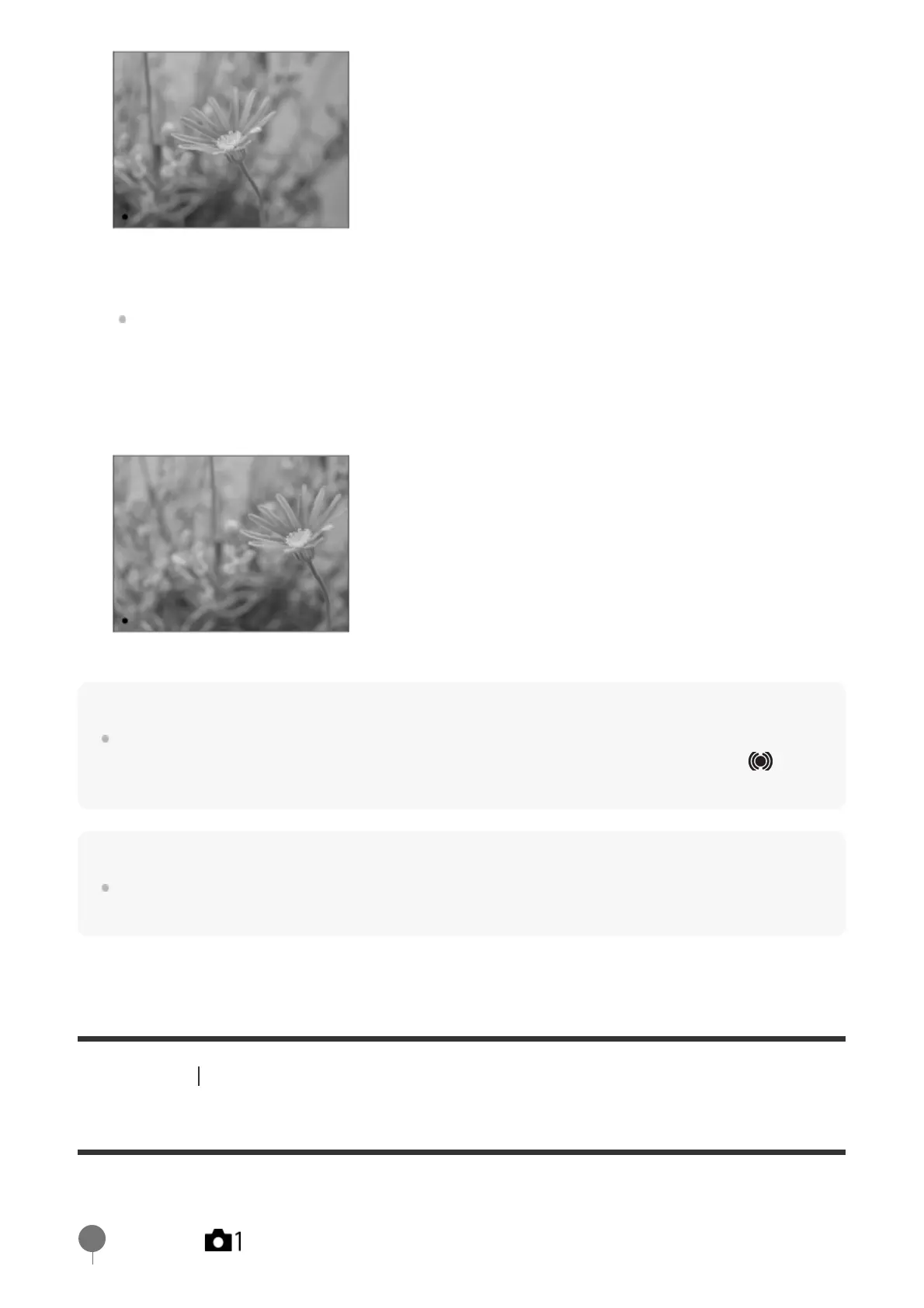
The focus is locked.
If it is difficult to focus on the desired subject, set [Focus Area] to [Center] or [Flexible
Spot].
Keep pressing the shutter button halfway down, and place the subject back in the original
position to re-compose the shot.
3.
Press the shutter button down fully to take the picture.
4.
MENU → (Camera Settings1) → [Focus Mode] → desired setting.
1



 To Next Page