Note
Radio wave interference may occur as Bluetooth communications and Wi-Fi communications use the
same frequency band. If your Wi-Fi connection is unstable, it may be improved by turning off the
Bluetooth function of the smartphone. If you do this, the location information interlocking function is
not available.
When you record movies using a smartphone as a remote controller, the monitor of the product
becomes darker. Also, you cannot use the viewfinder during shooting the still images or movies.
[237] Using wireless functions Transferring images to a Smartphone
Send to Smartphone
You can transfer still images/movies to a smartphone and view them. The application
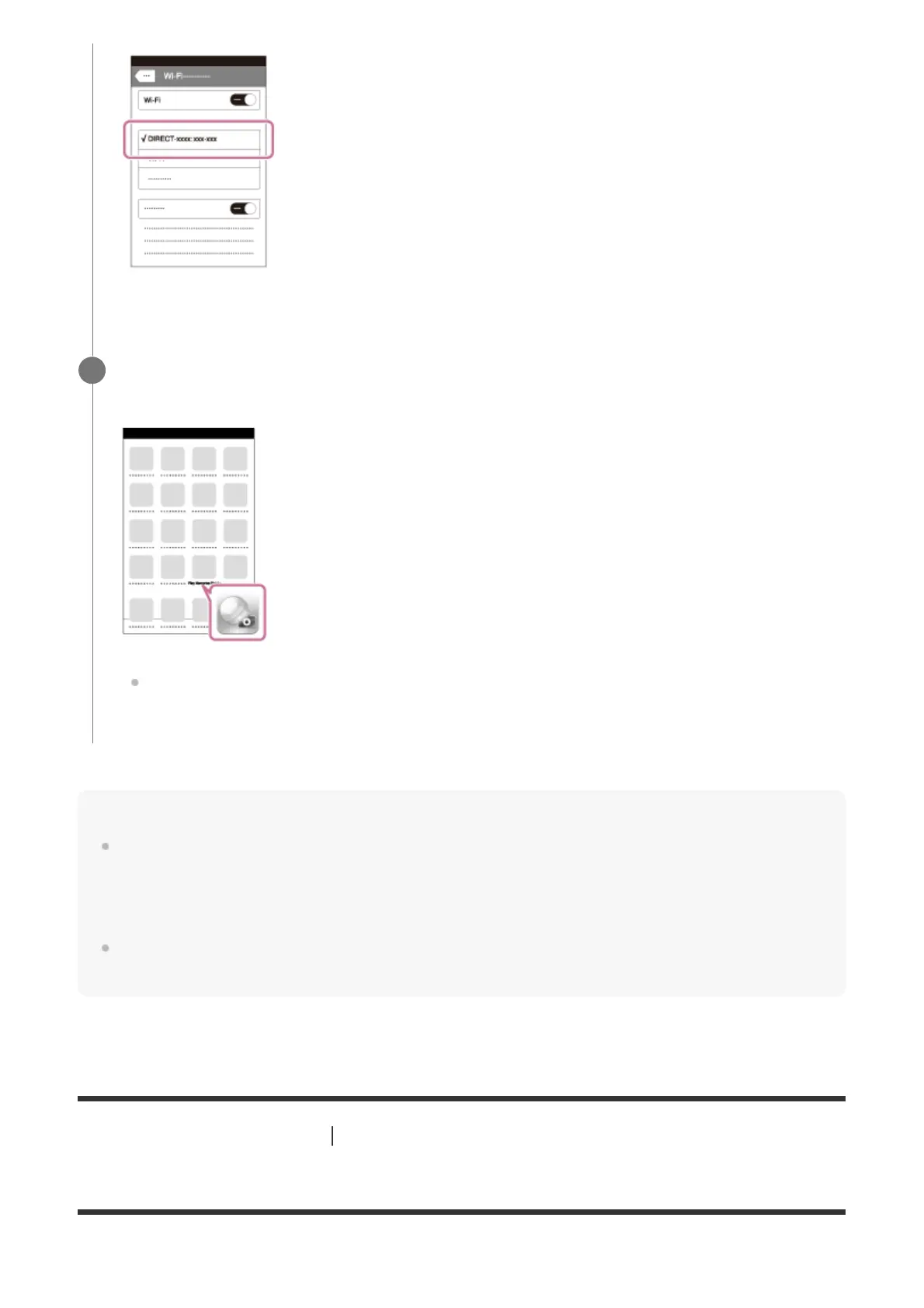
Return to the "Home" screen of the iPhone or iPad and launch PlayMemories
Mobile.
You can shoot an image using remote control while checking the composition of the
image on screen of the iPhone or iPad.
6



 To Next Page