Note
When you use the viewfinder, adjust the diopter level to obtain the correct focus on the viewfinder.
[50] Shooting Manual focus
Direct manual focus (DMF)
You can make fine adjustments manually after performing auto focusing, letting you focus on a
subject more quickly than when using the manual focus from the beginning. This is convenient
in situations such as macro shooting.
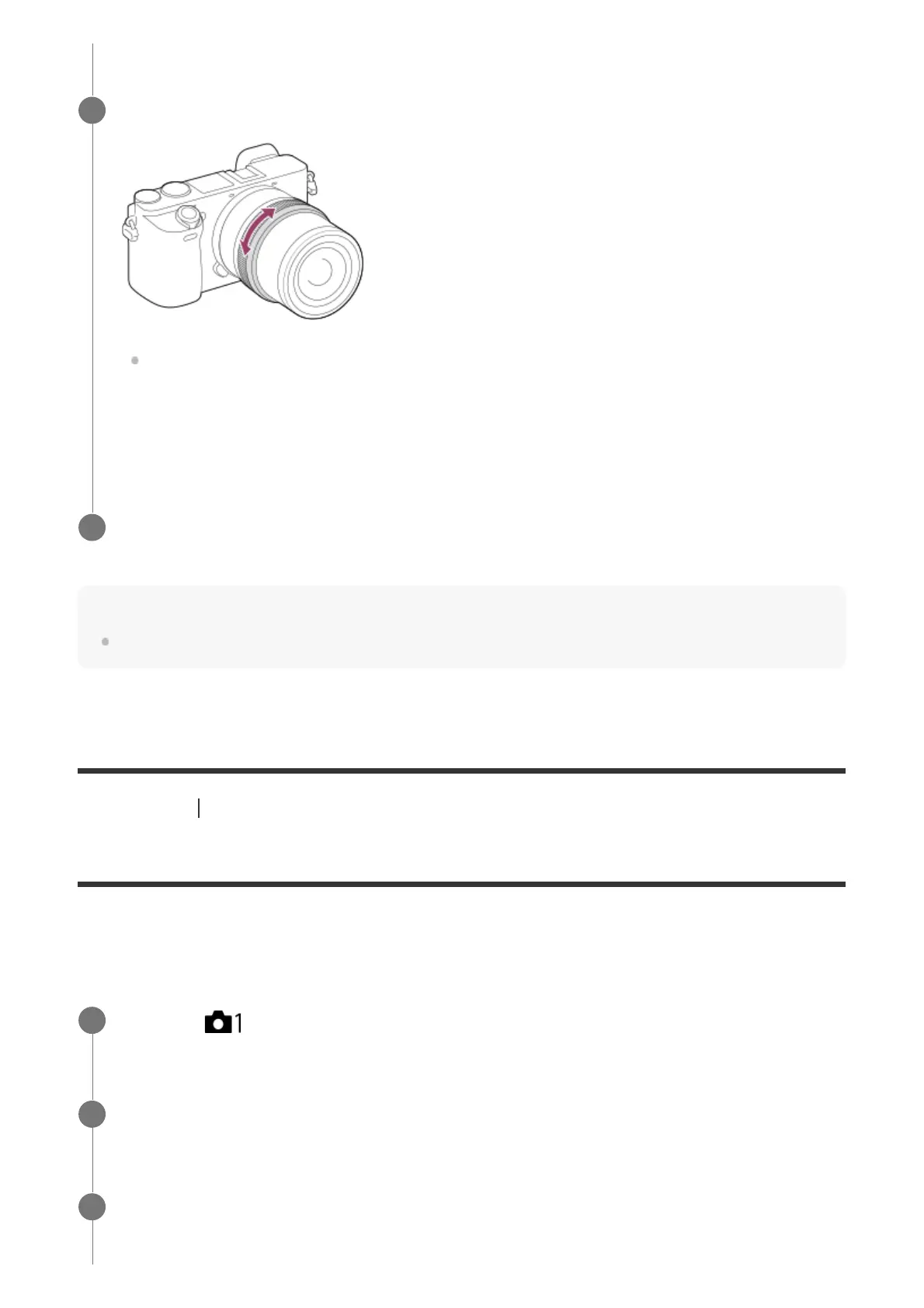
Rotate the focusing ring to achieve sharp focus.
When you rotate the focusing ring, the focus distance is displayed on the screen.
The focus distance may not be displayed when the Mount Adaptor (sold separately) is
attached.
2
Press the shutter button fully down to shoot an image.
3
MENU →
(Camera Settings1) → [Focus Mode] → [DMF].
1
Press the shutter button halfway down to focus automatically.
2
Keep the shutter button pressed halfway down, and then rotate the focusing ring to
achieve a sharper focus.
3



 To Next Page