To adjust settings from the dedicated setting screens
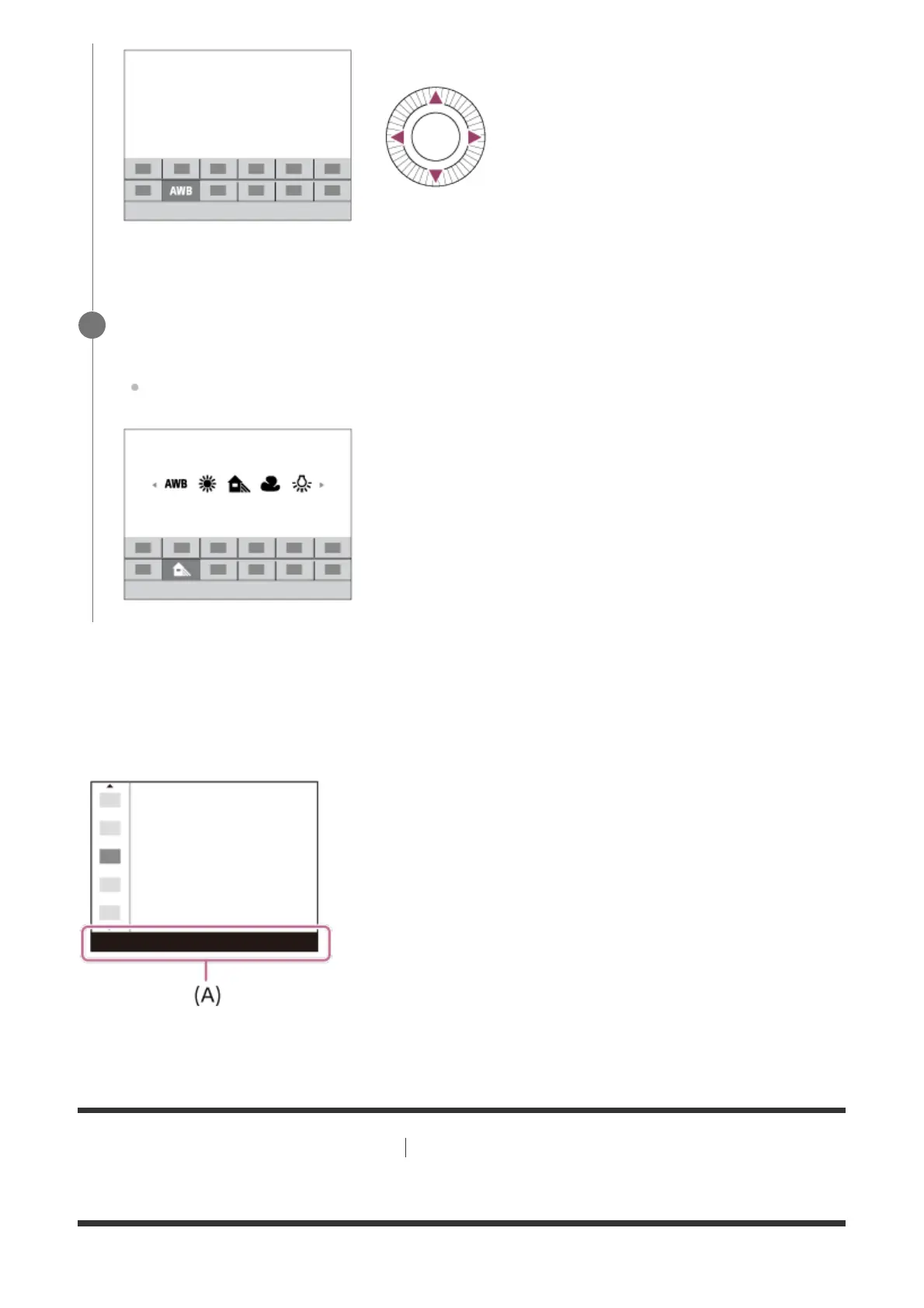
Select the desired function in step 2, then press the center of the control wheel. The dedicated
setting screen for the function will appear. Follow the operating guide (A) to adjust settings.
[5] Names of parts/Icons and indicators Basic operations
How to use the Quick Navi screen
Select the desired setting by turning the control wheel, and press the center of the
control wheel.
Some functions can be fine-tuned using the control dial.
3



 To Next Page