The Quick Navi screen is a function optimized for shooting with the viewfinder, that lets you
control settings directly.
To adjust settings from the dedicated setting screens
MENU → (Camera Settings2) → [DISP Button] → [Monitor] → [For viewfinder],
then select [Enter].
1
Press the DISP on the control wheel to set the screen mode to [For viewfinder].
2
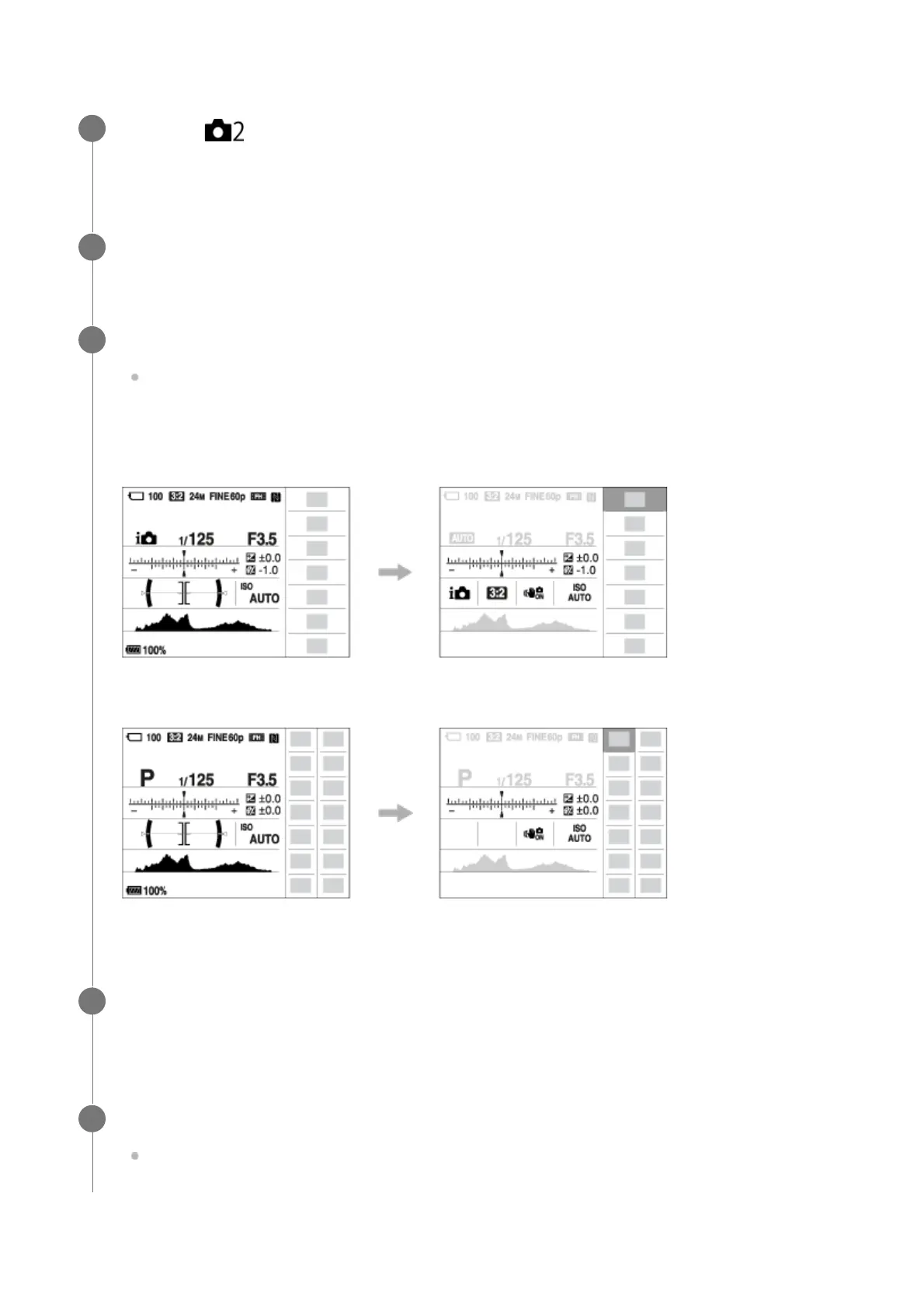
Press the Fn button to switch to the Quick Navi screen.
The displayed contents and their positions in the illustrations are just guidelines, and
may differ from the actual displays.
Auto mode/Scene Selection mode
P/A/S/M/Sweep Panorama mode
3
Select the desired function by pressing the top/bottom/left/right side of the control
wheel.
4
Turn the control wheel to select the desired setting.
Some functions can be fine-tuned using the control dial.
5



 To Next Page