While the displayed image is being magnified, the following functions are unavailable:
[Eye AF]
[Center Lock-on AF]
[
Eye-Start AF]
[
Pre-AF]
[Smile/Face Detect.]
[
Auto Obj. Framing]
[39] Shooting Auto focus
Center Lock-on AF
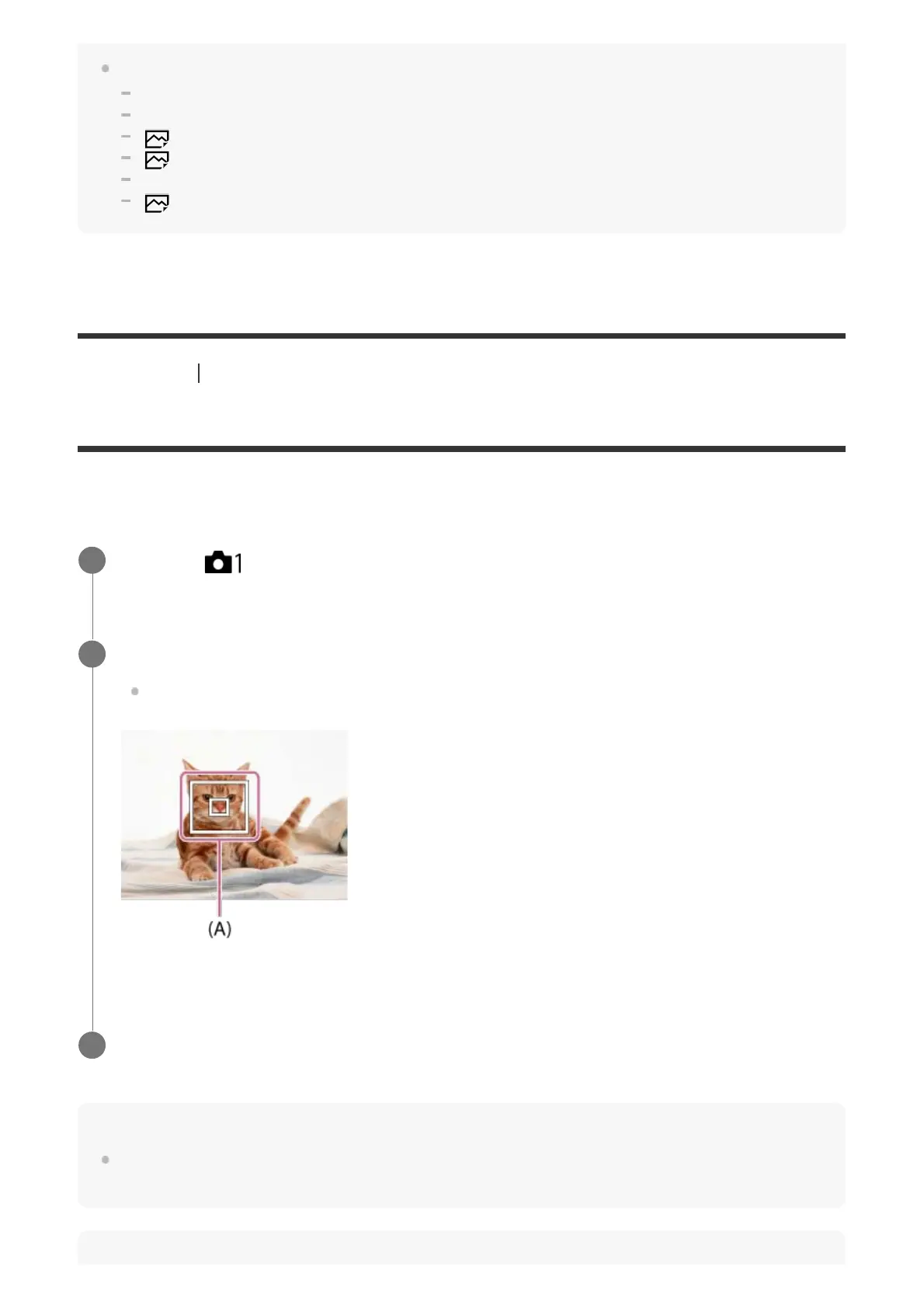
When you press the center of the control wheel, the camera detects the subject positioned in
the center of the screen and continues to track the subject.
Hint
You can select the subject to be tracked by touch operation when shooting using the monitor. Set
[Touch Operation] to other than [Off].
MENU → (Camera Settings1) → [Center Lock-on AF] → [On].
1
Align the target frame (A) over the subject and press the center of the control wheel.
Press the center again to stop tracking.
2
Press the shutter button fully down to shoot the image.
3



 To Next Page