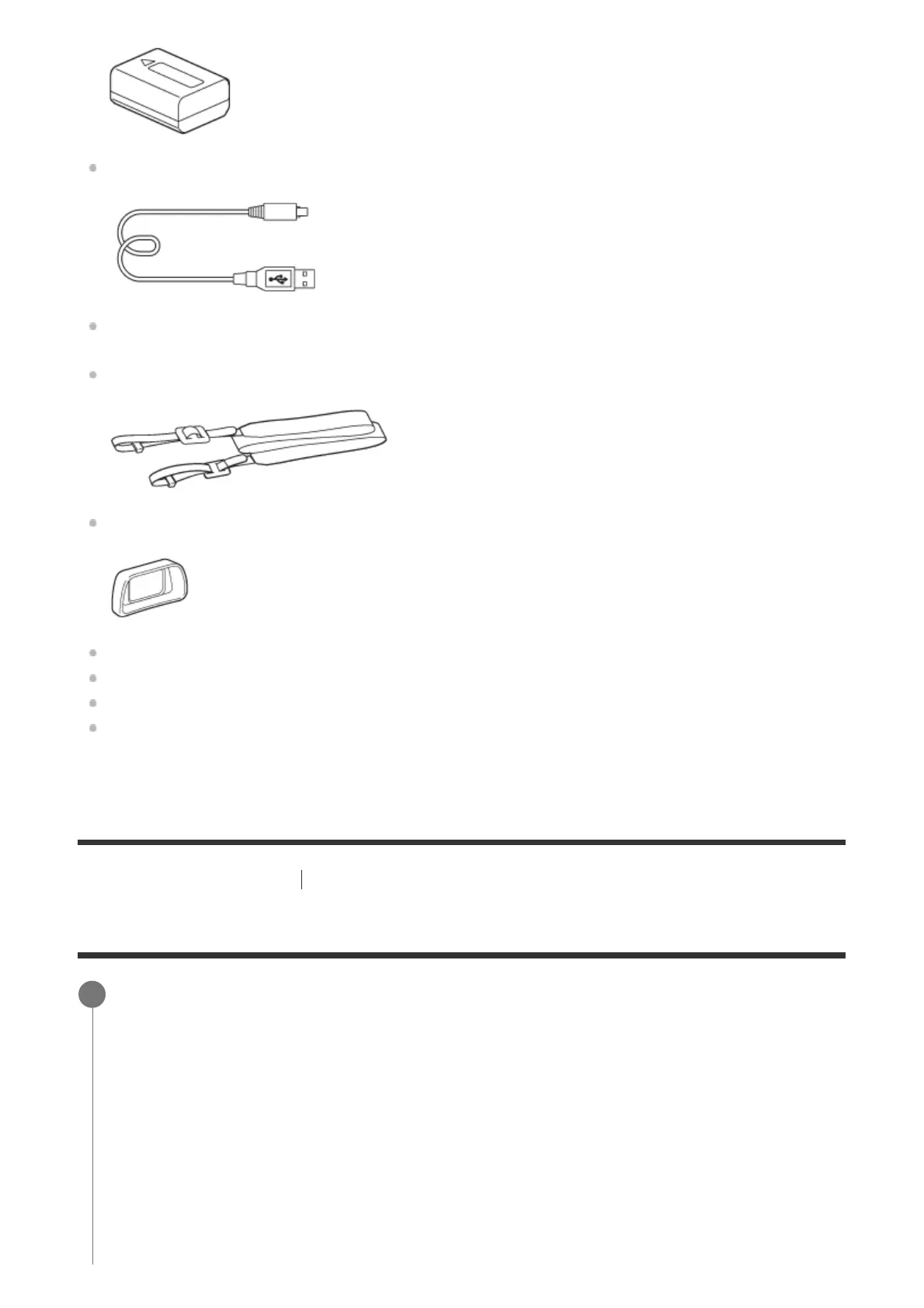
Micro USB Cable (1)
AC Adaptor (1)
Shoulder strap (1)
Eyepiece cup (1)
Body cap (1) (attached to the camera)
Shoe cap (1) (attached to the camera)
Instruction Manual (1)
Wi-Fi Connection/One-touch (NFC) Guide (1)
[12] Preparing the camera
Charging the battery pack
Inserting/removing the battery pack
Open the battery/memory card cover.
1



 To Next Page