Does not use the AF illuminator.
Note
You cannot use [ AF Illuminator] in the following situations:
In movie mode
Sweep Panorama
When [ Focus Mode] is set to [Continuous AF] or [Automatic AF] and the subject is moving (when
the focus indicator
or lights up).
When [Focus Magnifier] is activated.
When [Scene Selection] is set to the following modes:
[Landscape]
[Sports Action]
[Night Scene]
When a Mount Adaptor is attached.
The AF illuminator emits a very bright light. Although there is no health hazard, do not look directly
into the AF illuminator at close range.
[298] List of MENU items Camera Settings1
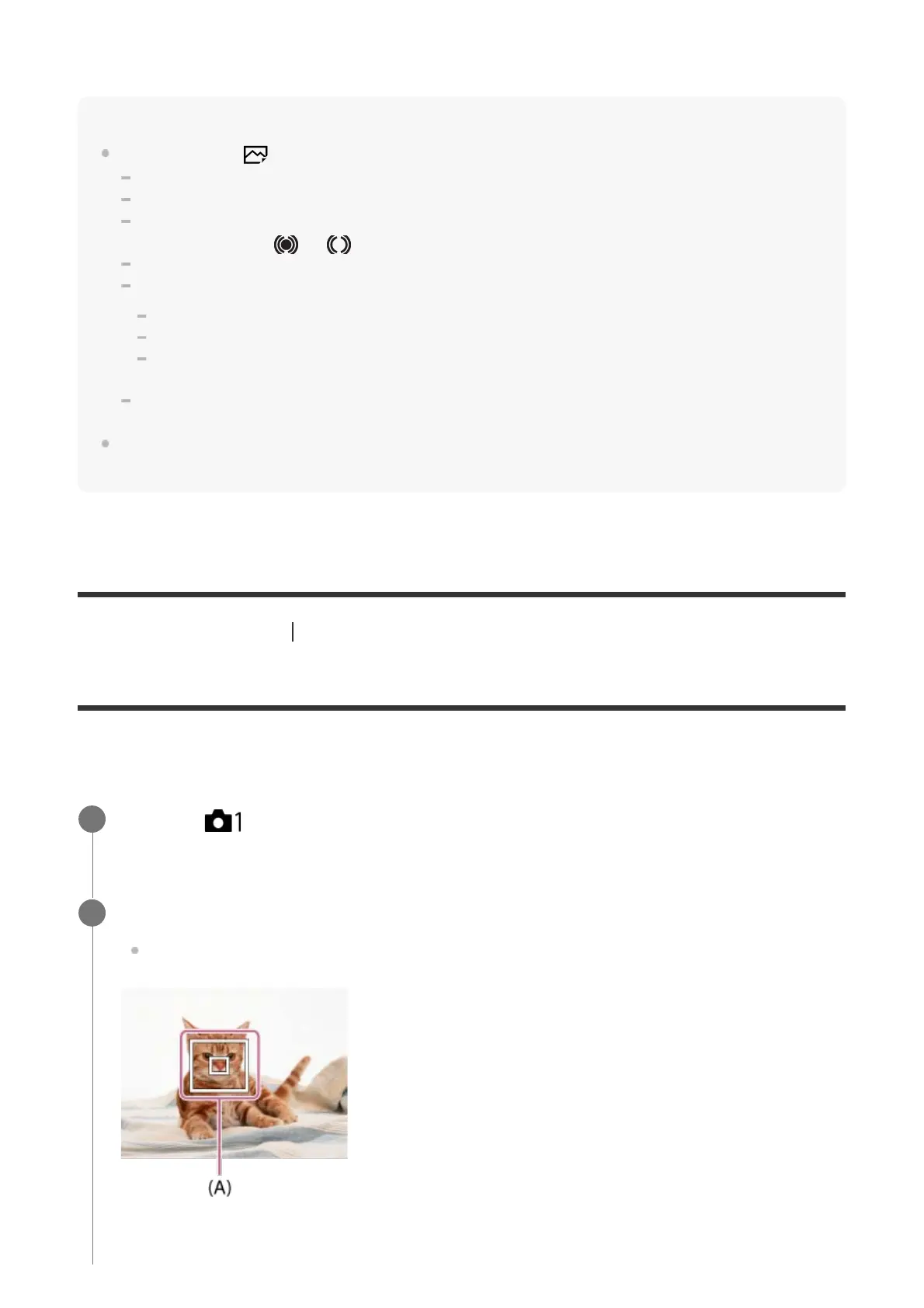
Center Lock-on AF
When you press the center of the control wheel, the camera detects the subject positioned in
the center of the screen and continues to track the subject.
MENU →
(Camera Settings1) → [Center Lock-on AF] → [On].
1
Align the target frame (A) over the subject and press the center of the control wheel.
Press the center again to stop tracking.
2



 To Next Page